
Private AI · ATS evidence · export validation
Build a resume that gets your story across
Turn your experience into a clear, credible resume with guided writing, private AI assistance, and a live PDF preview for checking pages before export.
- Start free
- Private by default
- Saved as you type
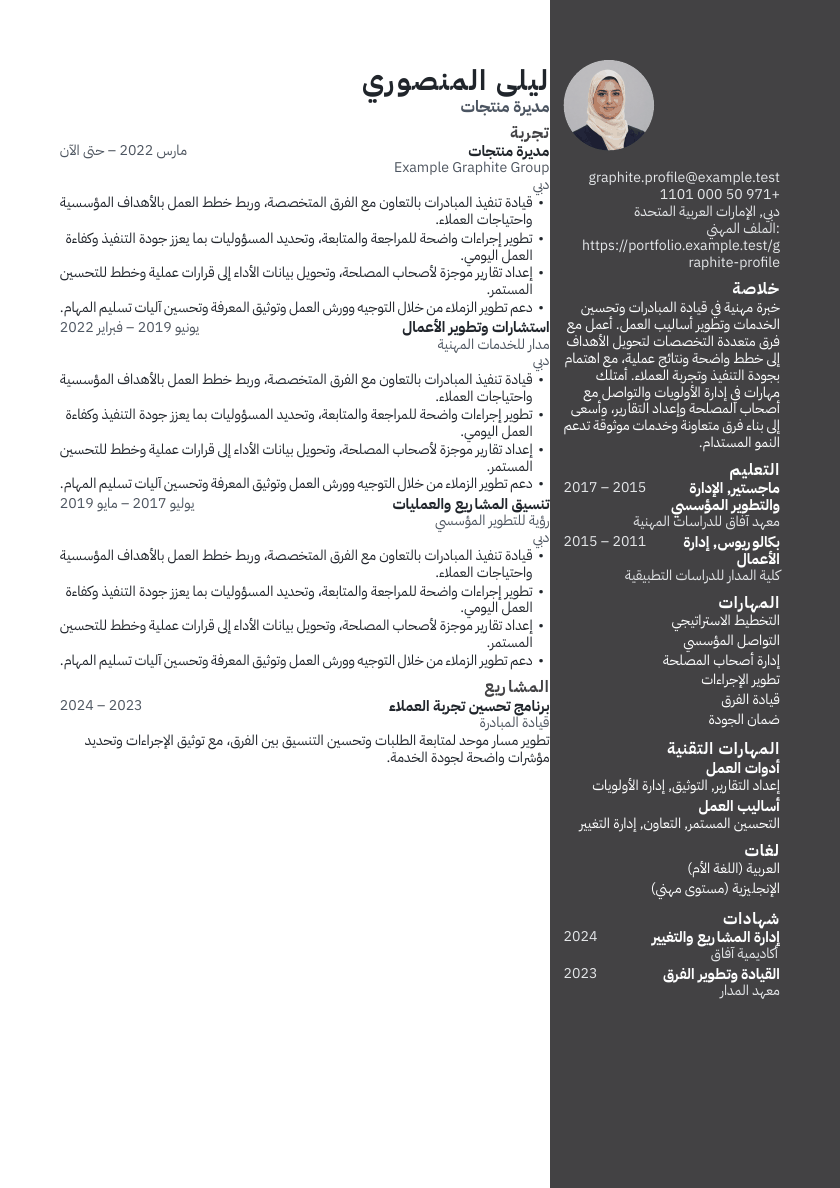
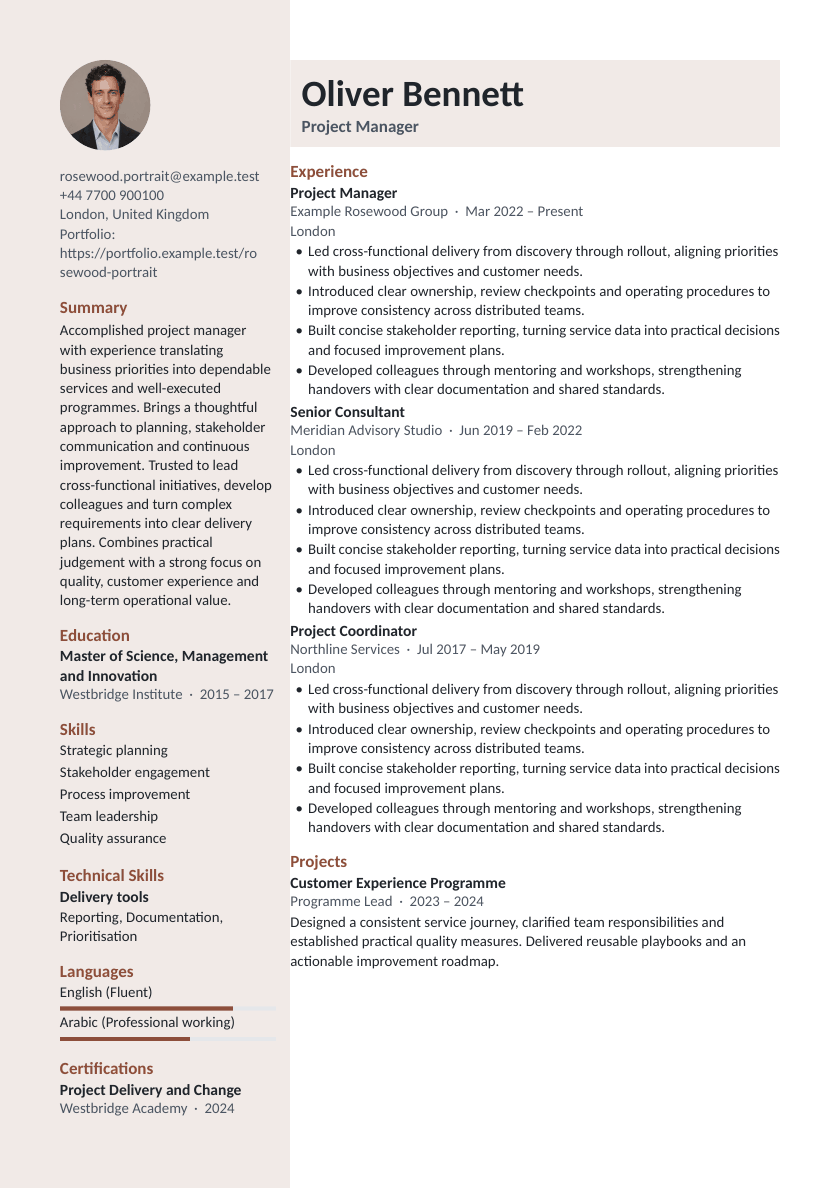
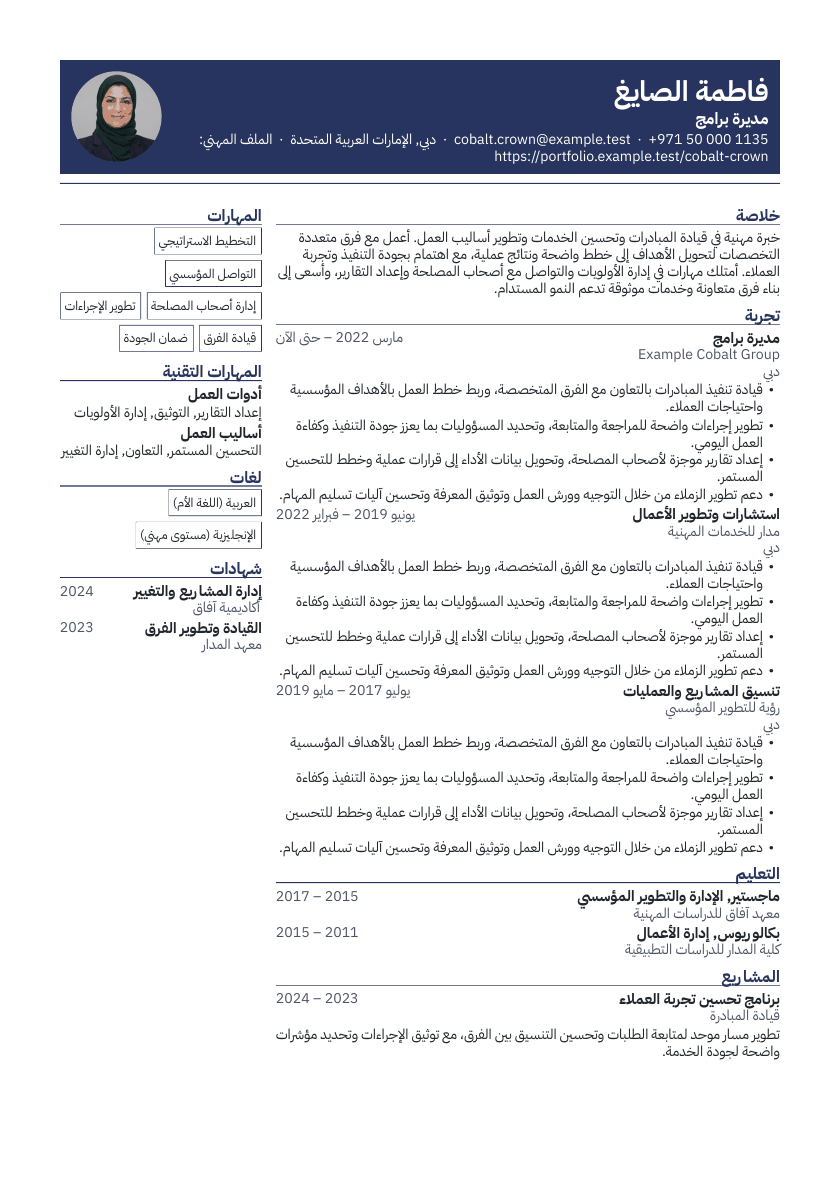
Templates: 39 · ATS-safe: 7 · Designed: 32 · A4 / US Letter
Online resume builder with all the features you need
- 1
Choose a template
Choose from ATS-safe and designed layouts, each clearly labelled.
- 2
Fill in guided sections
Personal details, summary, experience, education, skills and more, one step at a time, saved as you type.
- 3
Check and export
Review pages and page breaks while you write, then export PDF, editable DOCX or TXT. Choose an ATS-safe layout when needed.
Everything you need to land your next role
Guided resume editor
Clear steps for every part of your resume, with 24 section types from experience to publications and references.
Live paginated preview
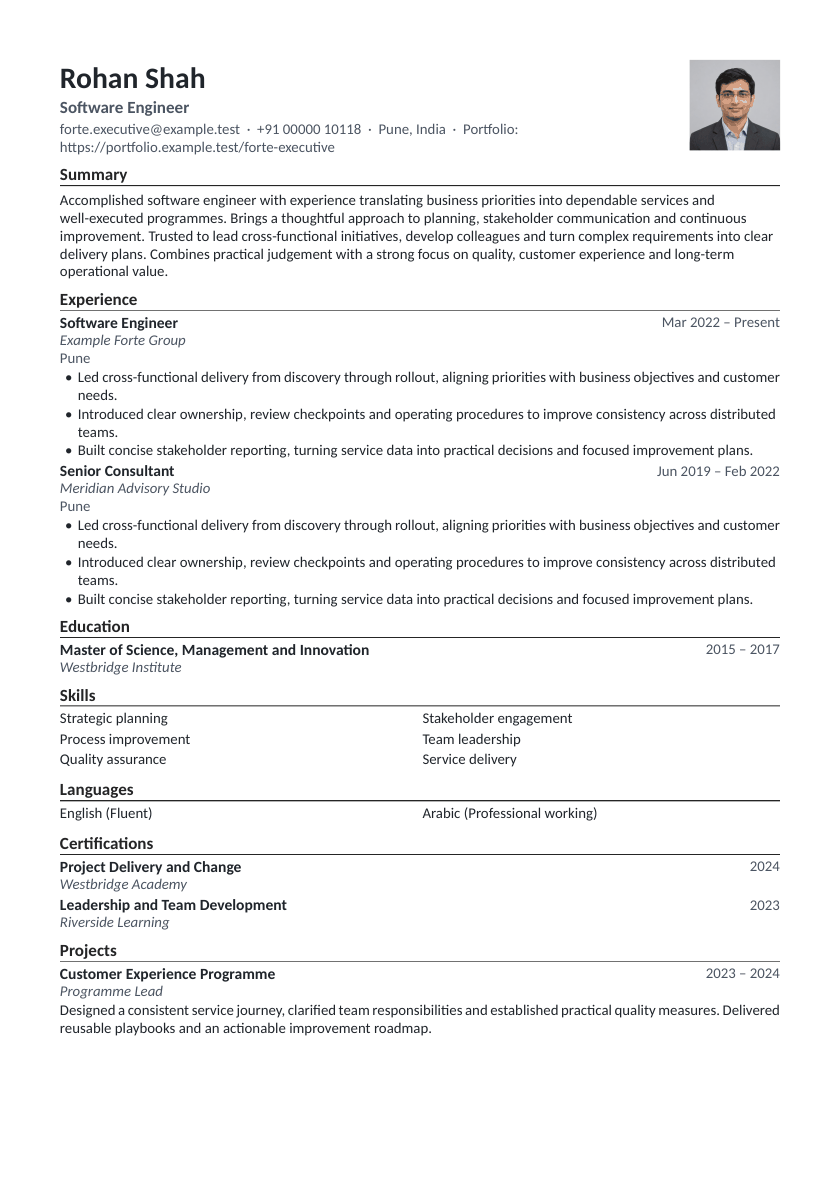
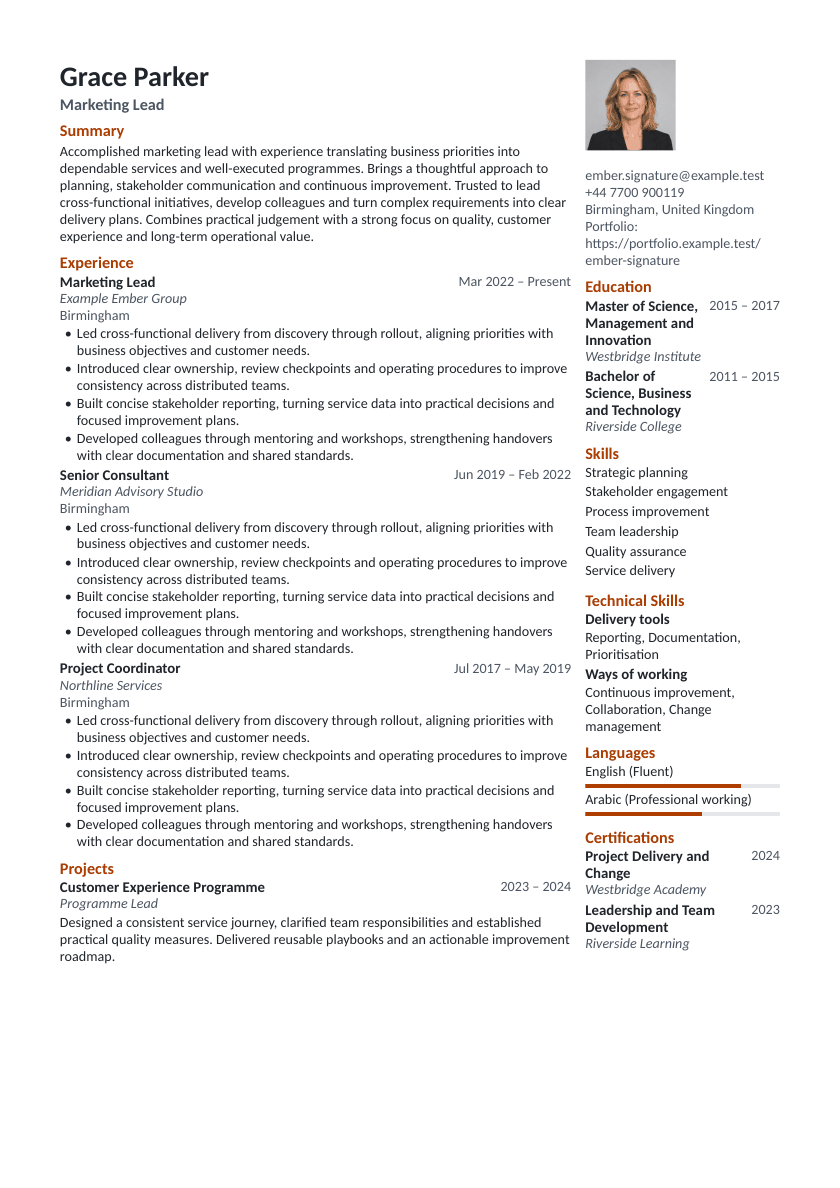
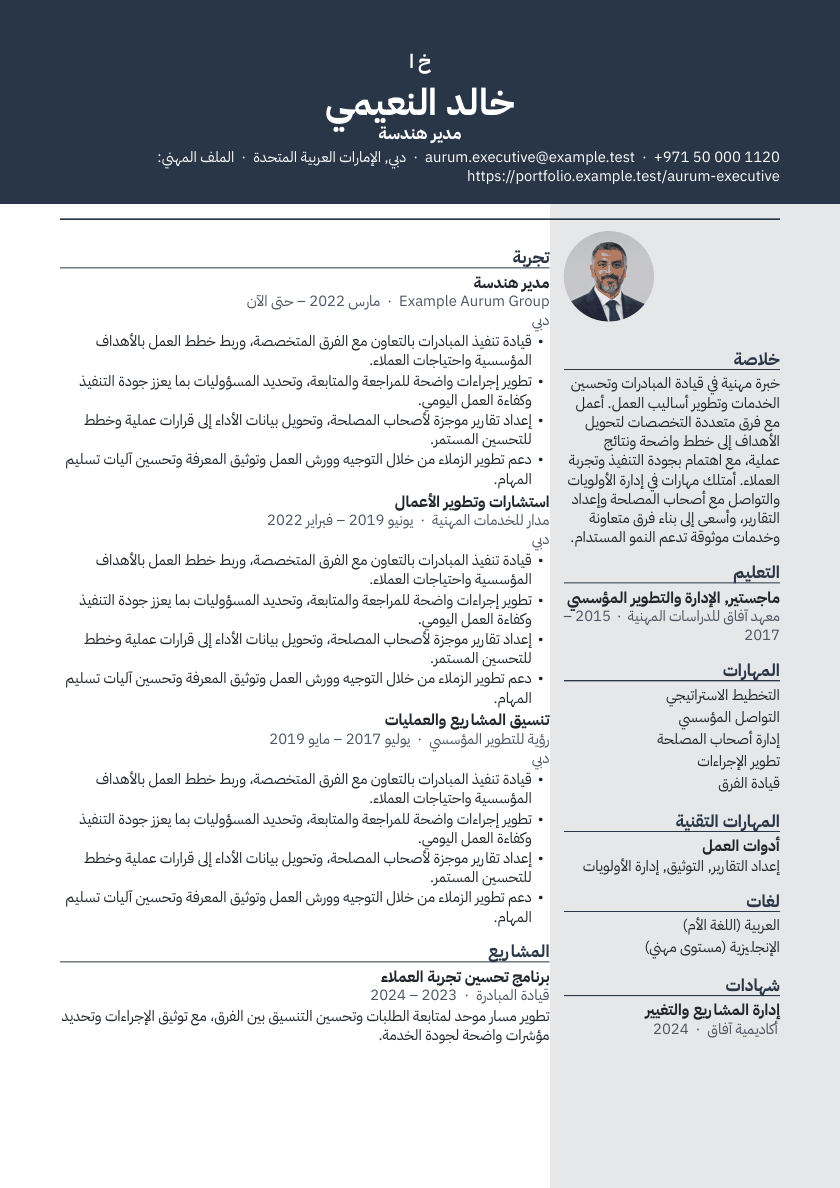
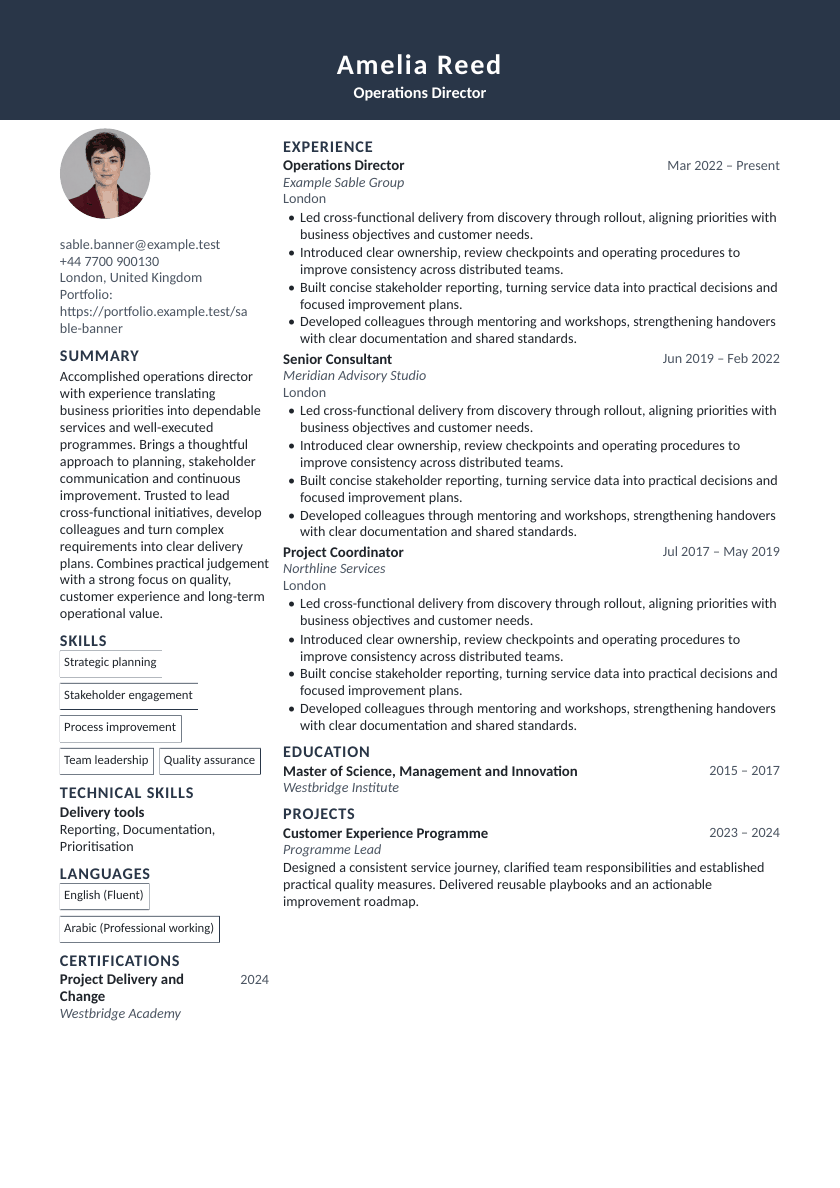
The preview is the actual document: real pages, page count, zoom, fit to width and fit to page.
Template customisation
Font, sizes, spacing, margins, accent colour, headings, bullets, date format, and A4 or US Letter.
Autosave and undo
Every change saves automatically and can be undone. Changes made offline are kept and saved when you reconnect.
Works on any screen
Edit on a phone, tablet or desktop, with large touch targets, full keyboard support, and light and dark modes.
Your content stays yours
Switching templates never changes your content. Hide entries per resume, duplicate resumes, export JSON Resume.
Advanced tools, already connected
- Private AI rewrites with review controls
- ATS evidence and job-description matching
- PDF, DOCX and TXT export validation
- Resume imports, version history and secure sharing
Choose a template
Choose from ATS-safe and designed layouts, each clearly labelled.
- Rosewood PortraitDesigned layout
- Graphite ProfileDesigned layout
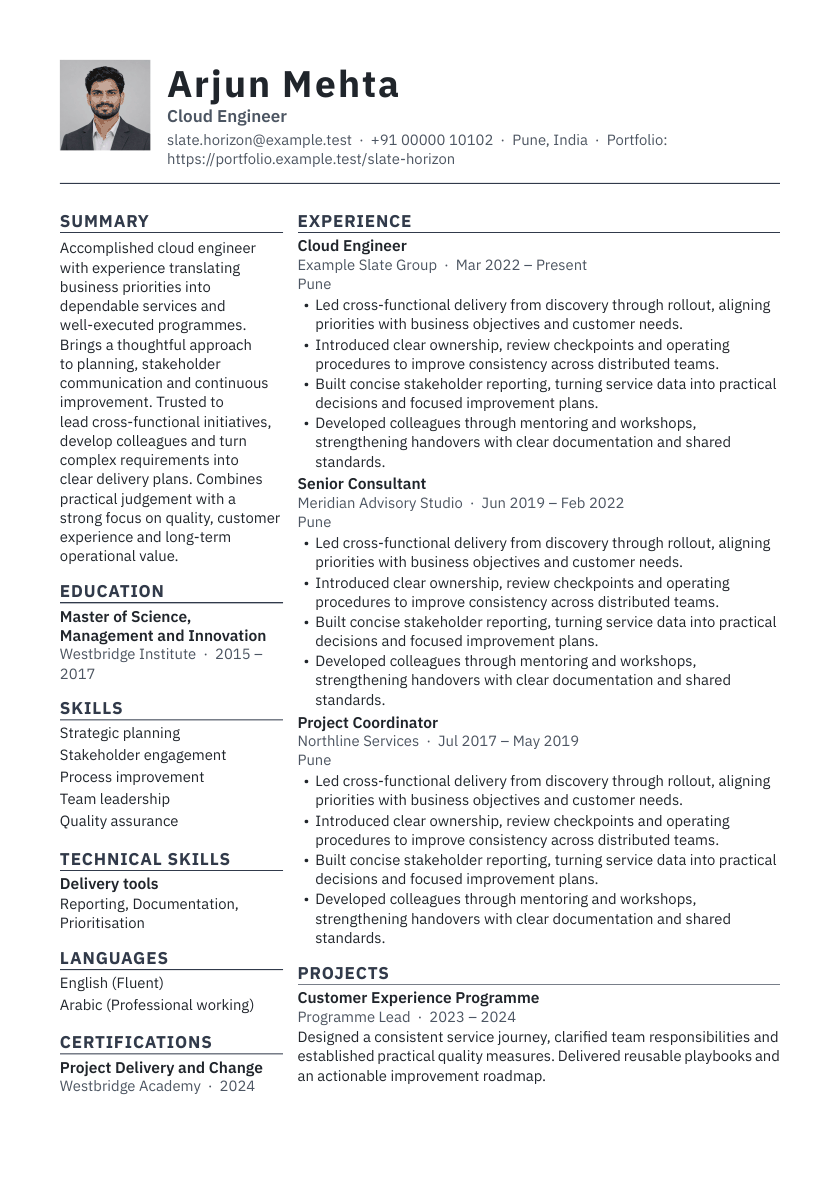
- Slate HorizonDesigned layout
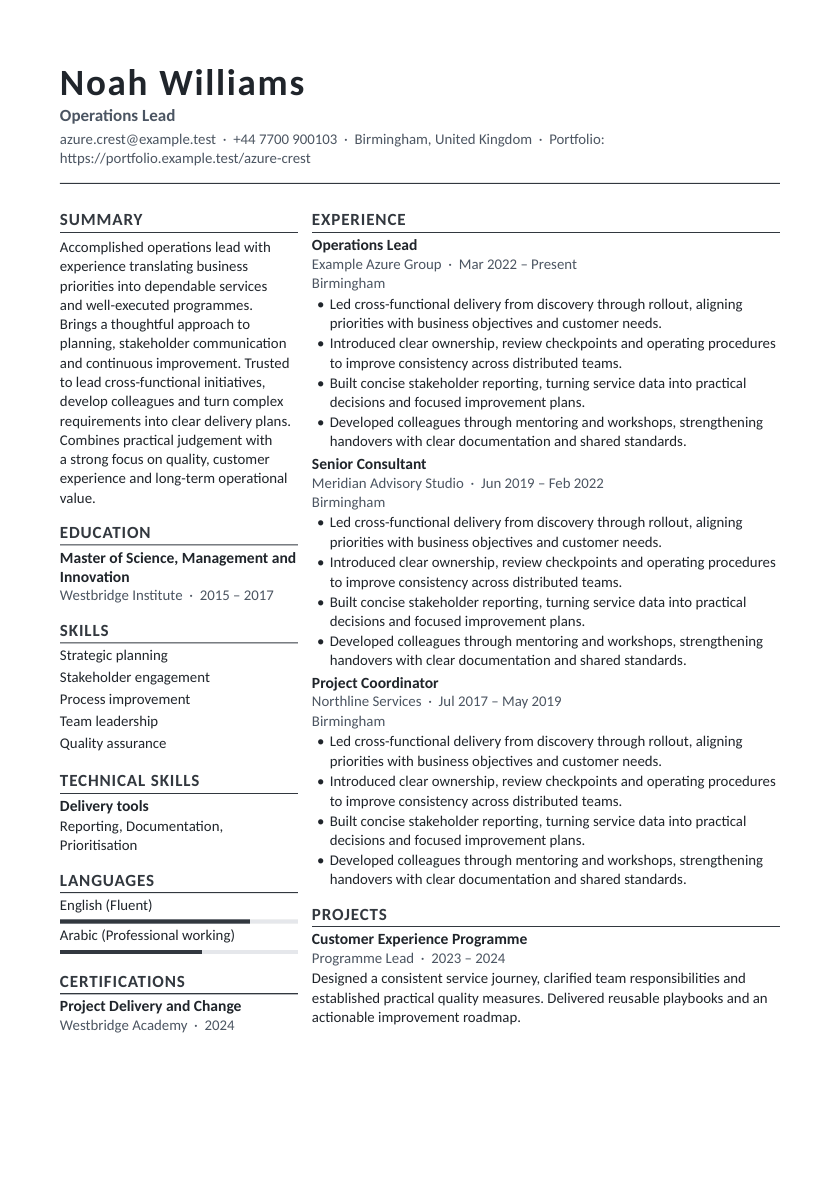
- Azure CrestDesigned layout
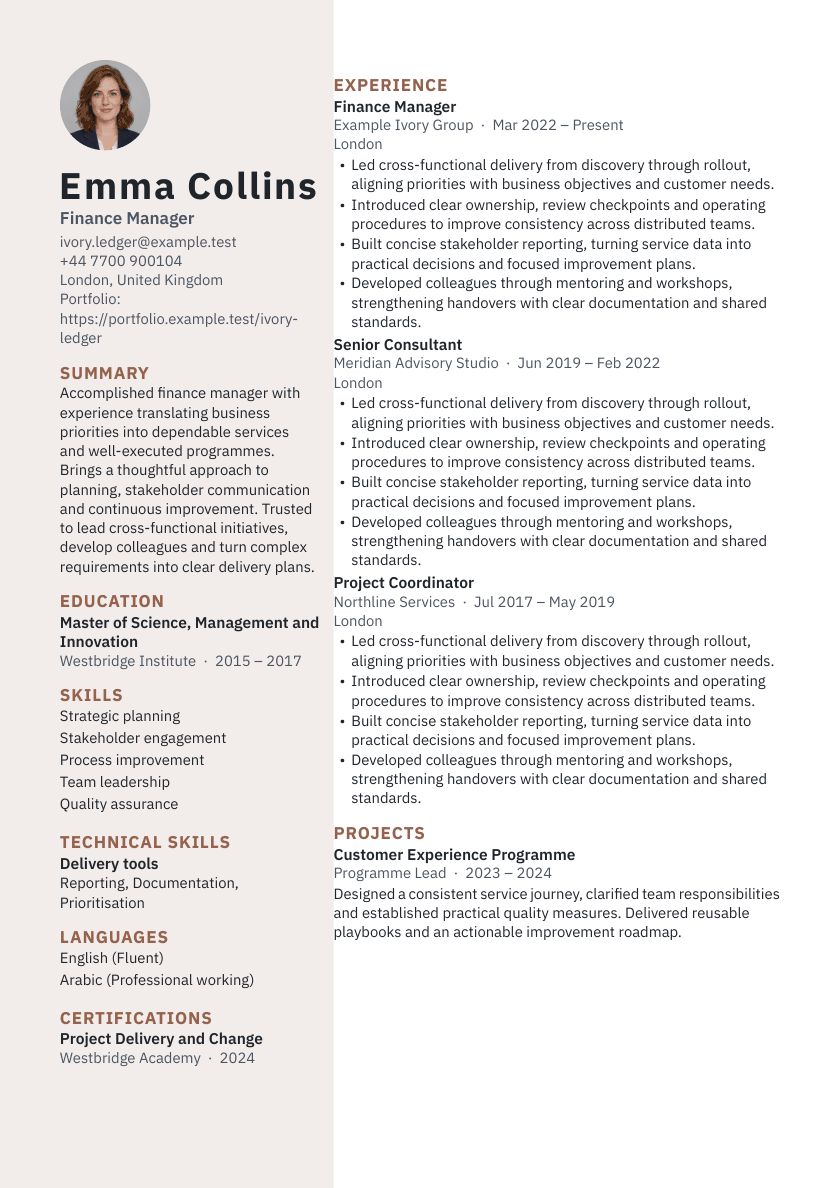
- Ivory LedgerDesigned layout
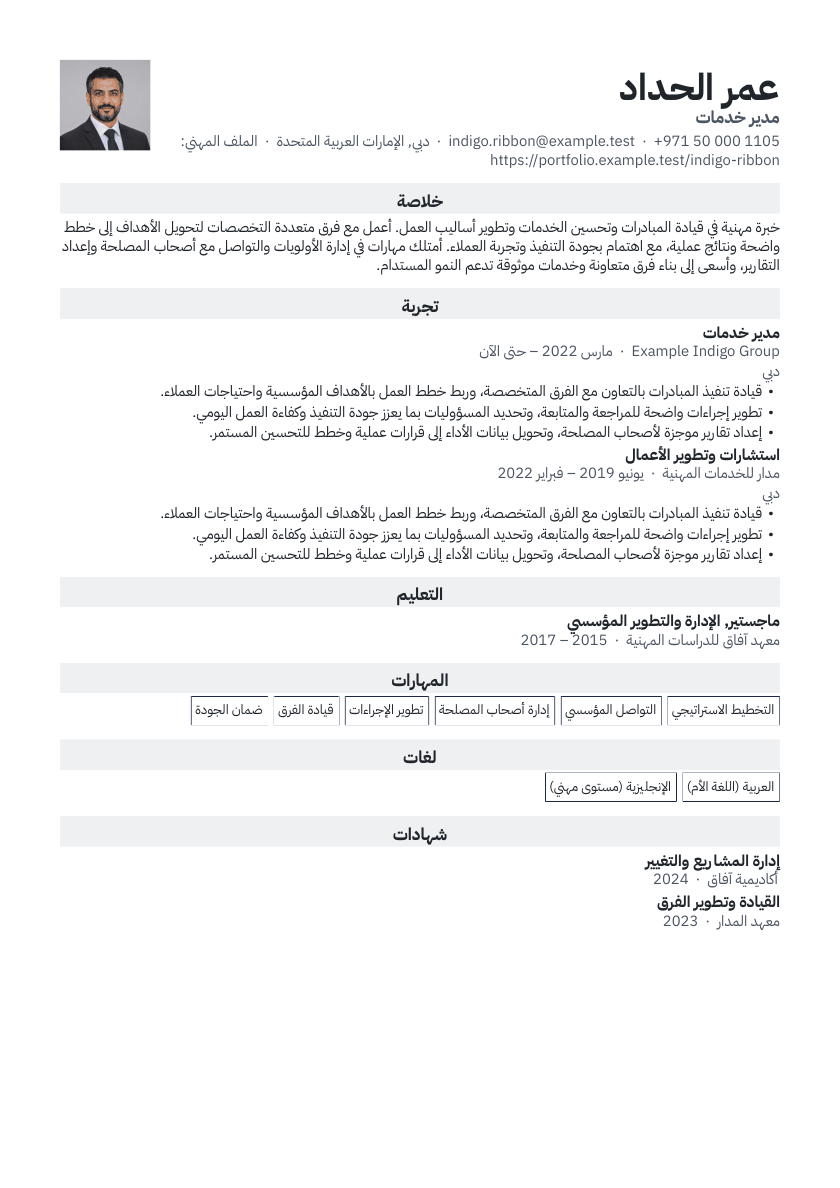
- Indigo RibbonDesigned layout
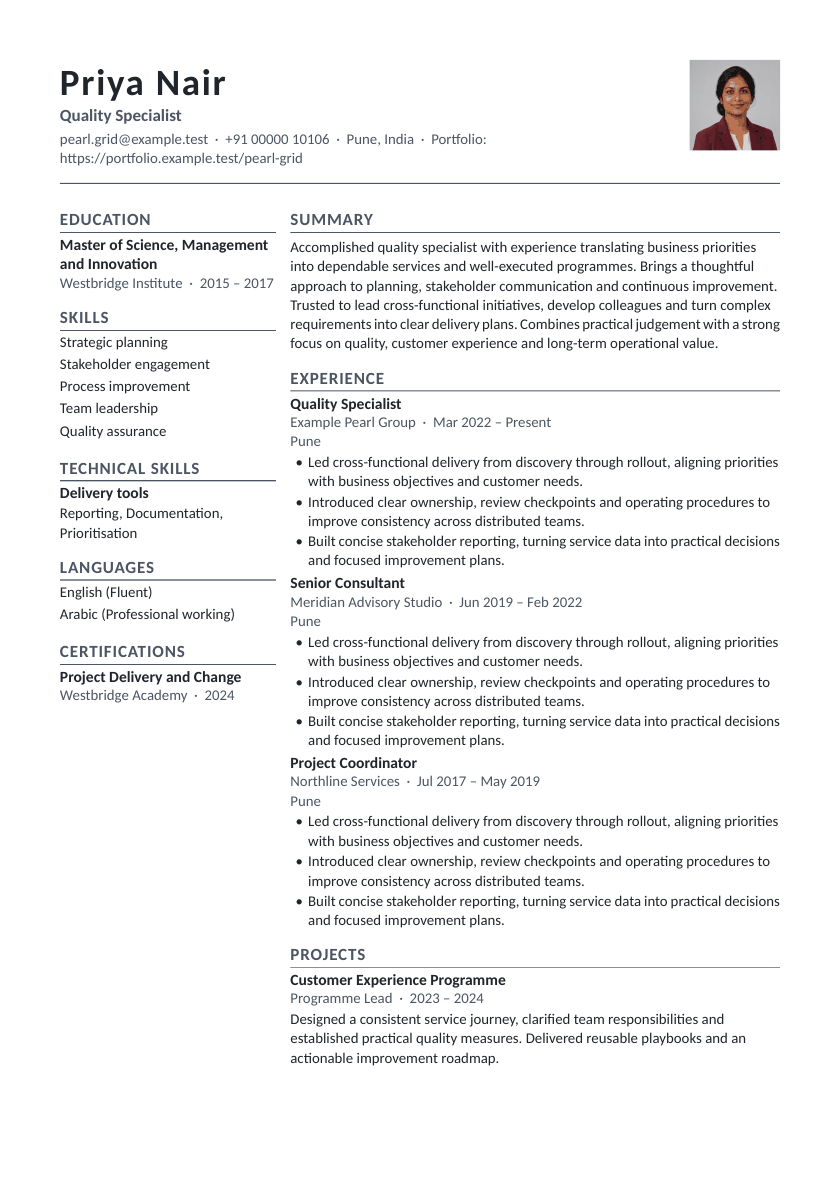
- Pearl GridDesigned layout
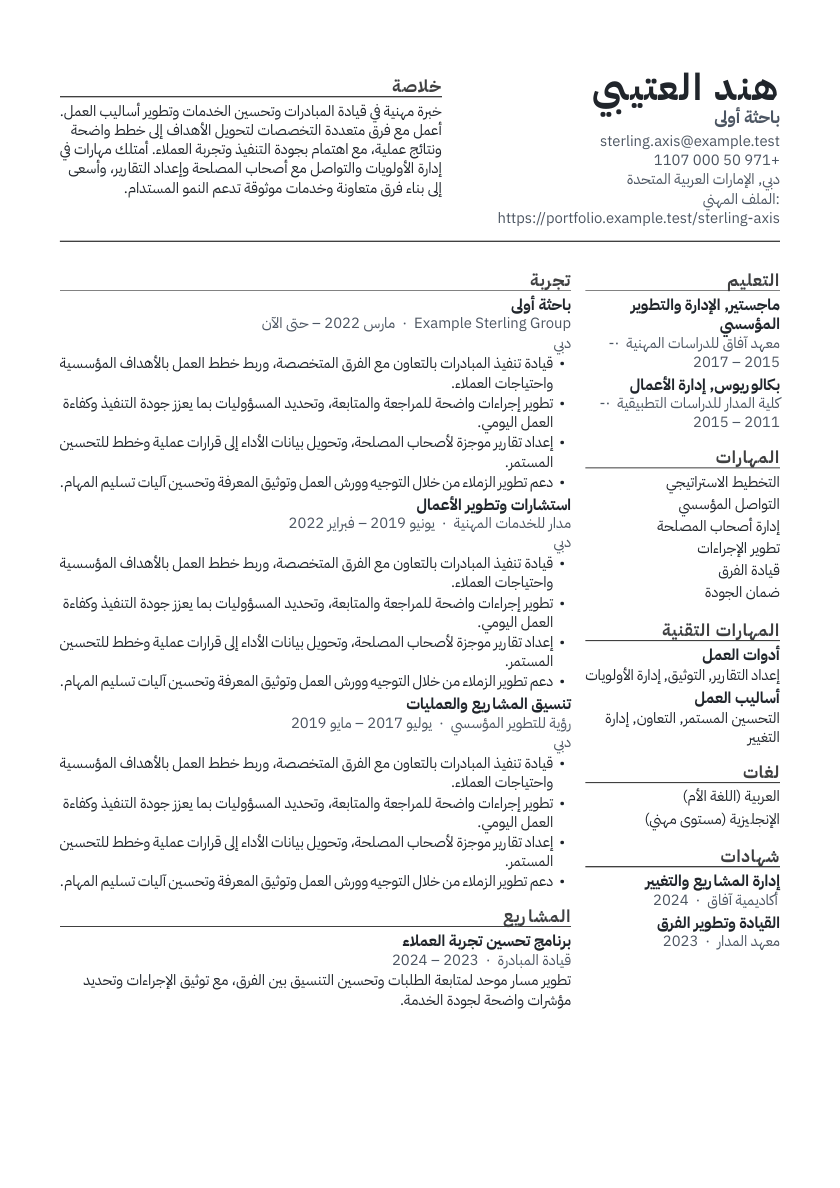
- Sterling AxisDesigned layout
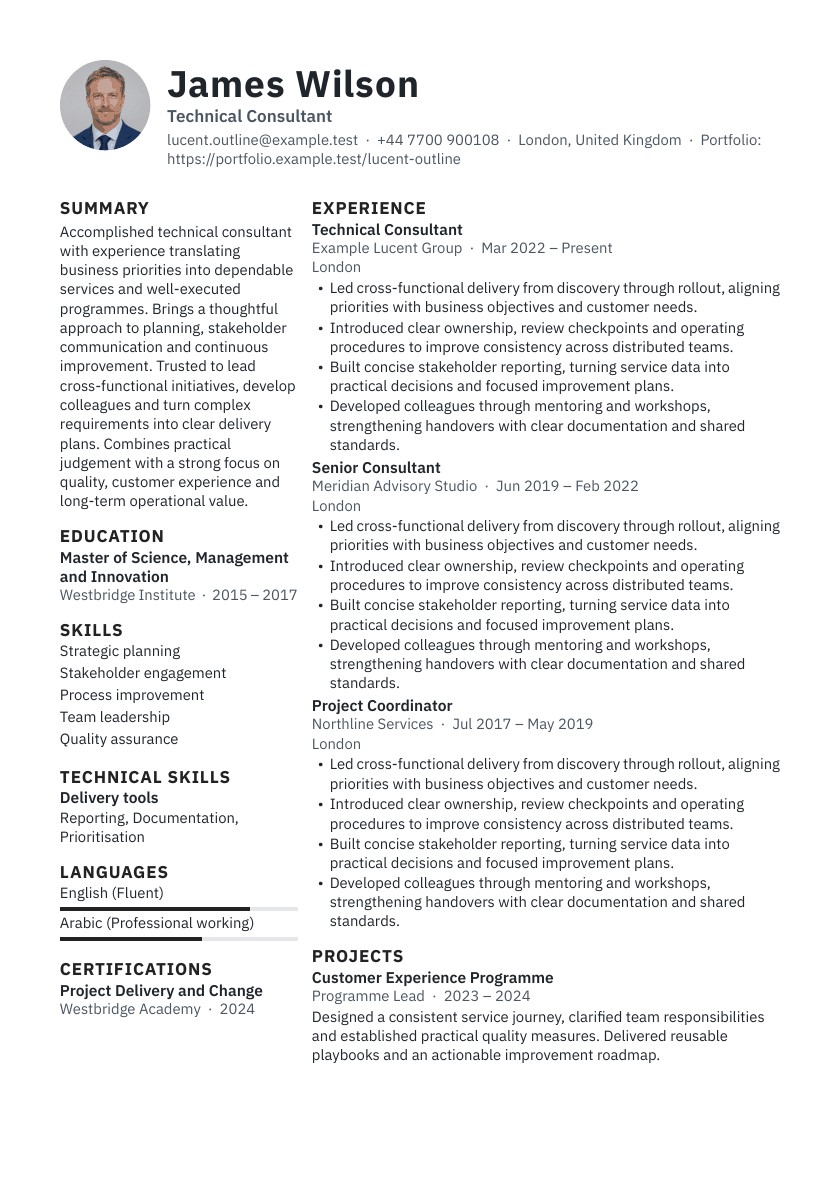
- Lucent OutlineDesigned layout
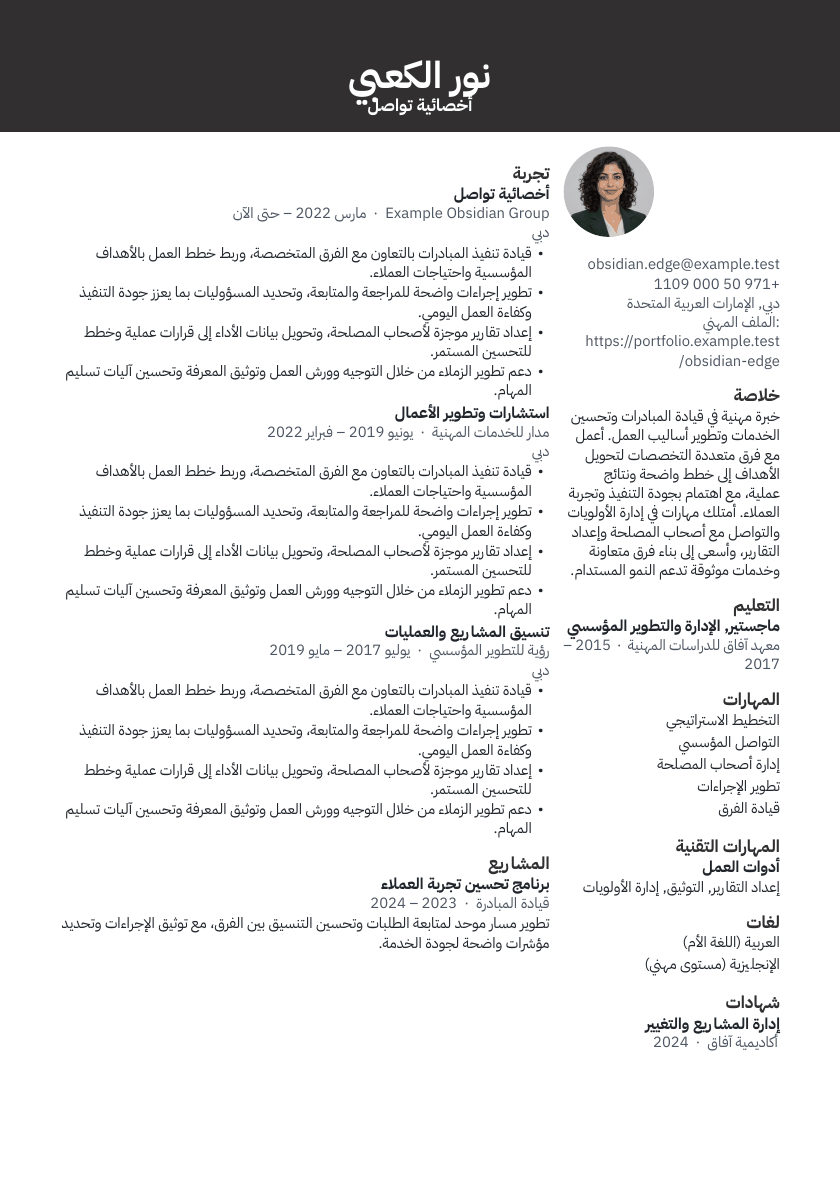
- Obsidian EdgeDesigned layout
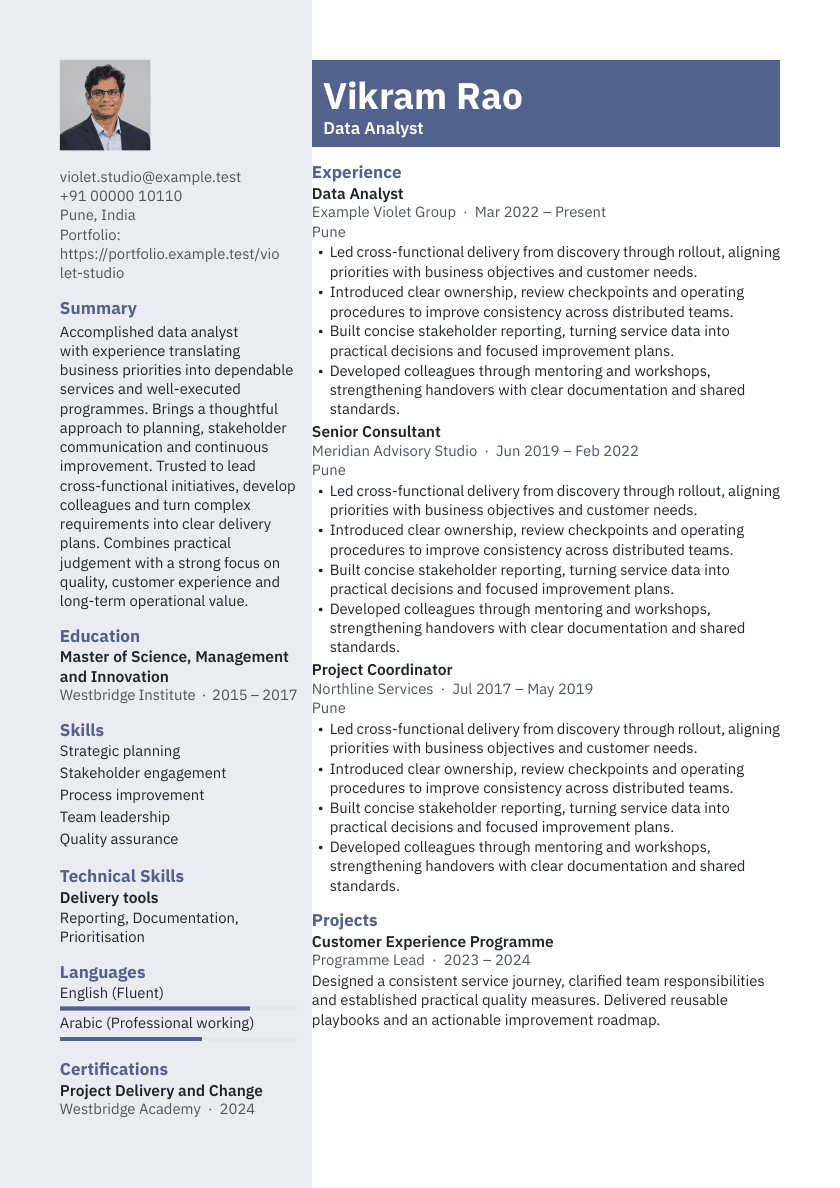
- Violet StudioDesigned layout
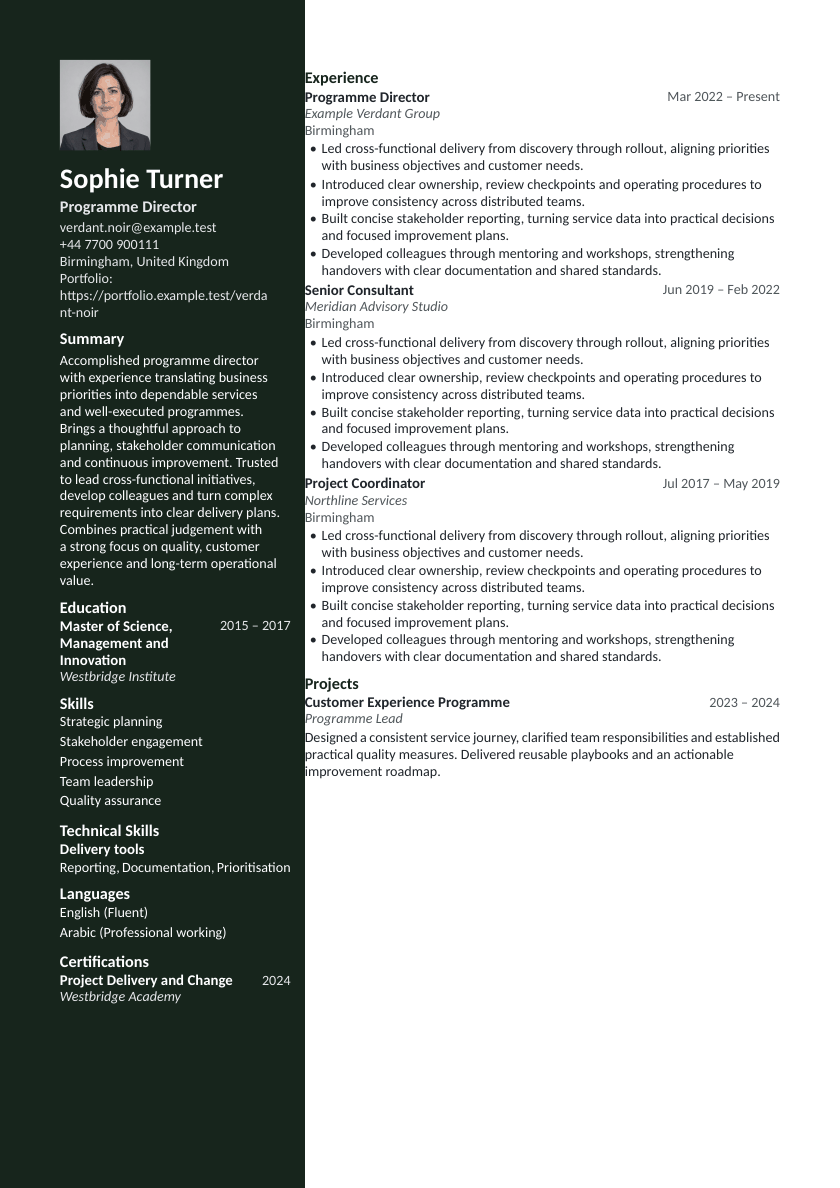
- Verdant NoirDesigned layout
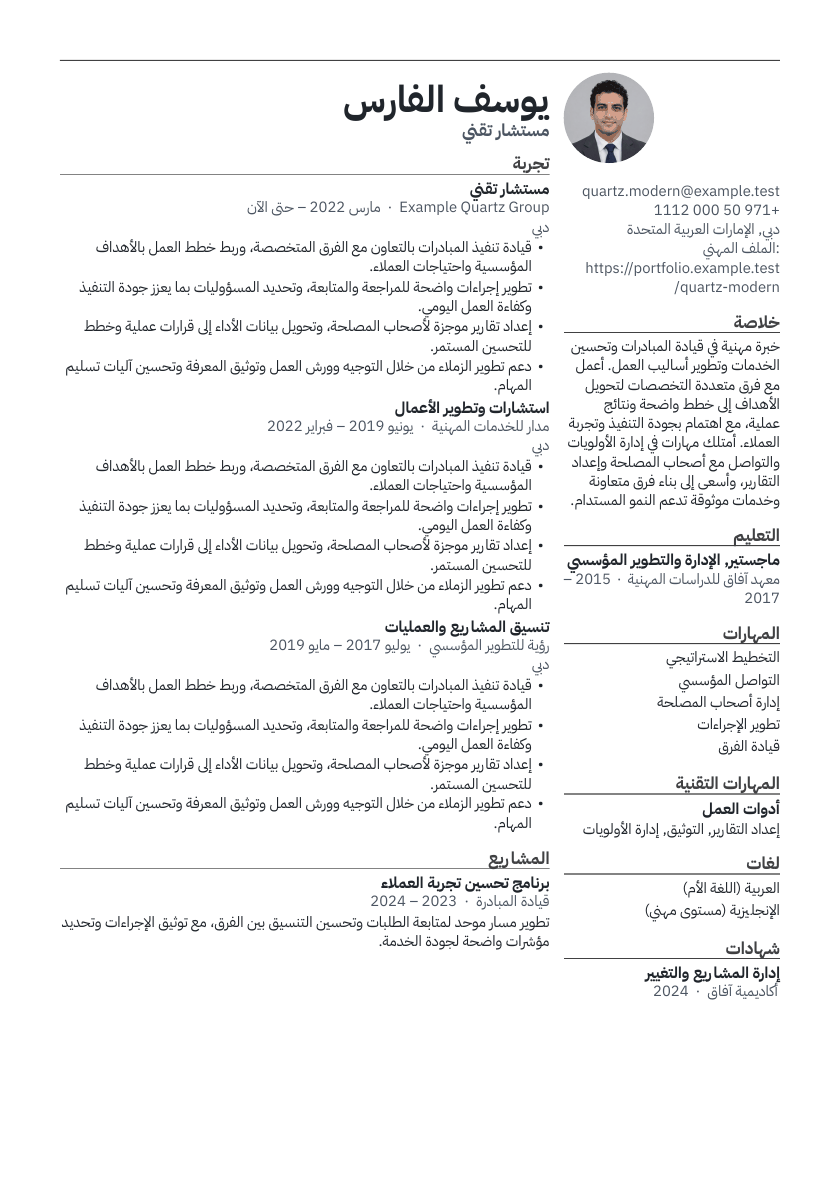
- Quartz ModernDesigned layout
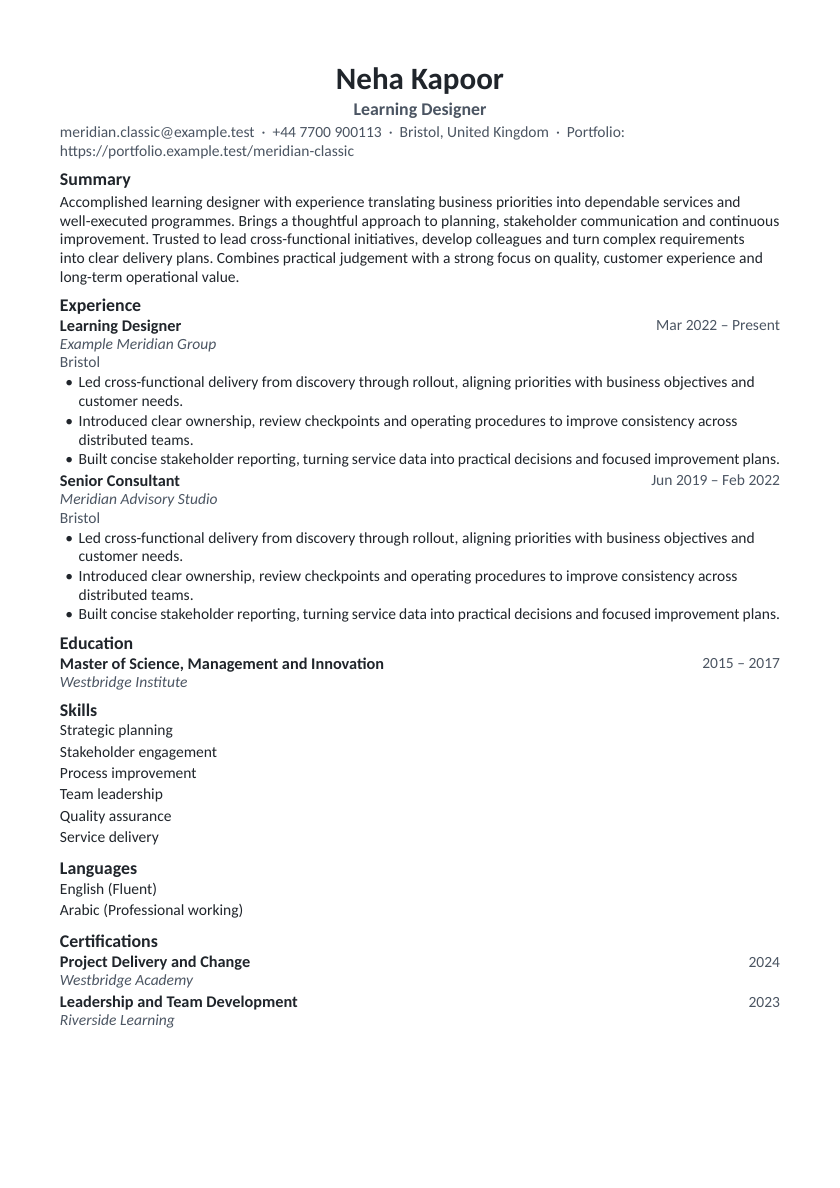
- Meridian ClassicATS-safe layout
- Aster ProfessionalATS-safe layout
- Nimbus MatrixDesigned layout
- Summit PortfolioDesigned layout
- Alto MinimalDesigned layout
- Forte ExecutiveDesigned layout
- Ember SignatureDesigned layout
- Aurum ExecutiveDesigned layout
- Sable BannerDesigned layout
- Onyx ImpactDesigned layout
- Silverline FocusDesigned layout
- Folio SerifDesigned layout
- Linen ColumnDesigned layout
- Cobalt CrownDesigned layout
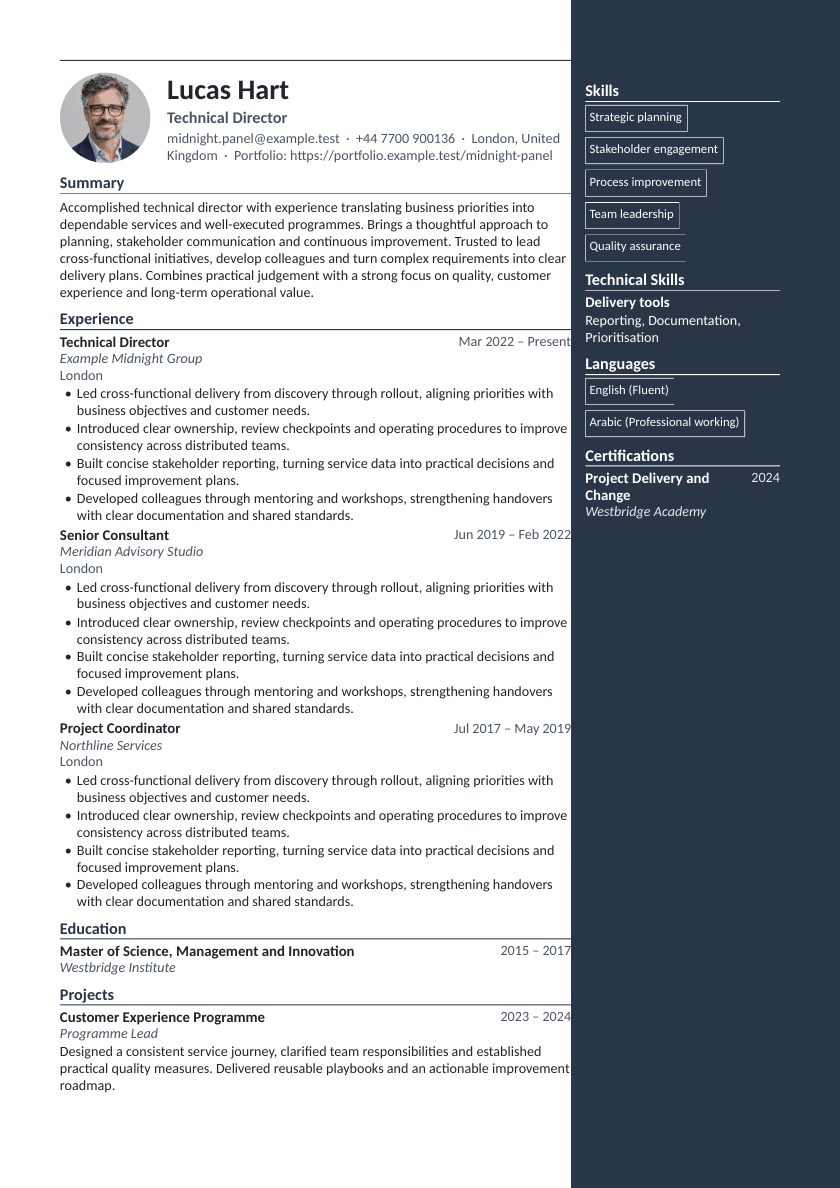
- Midnight PanelDesigned layout
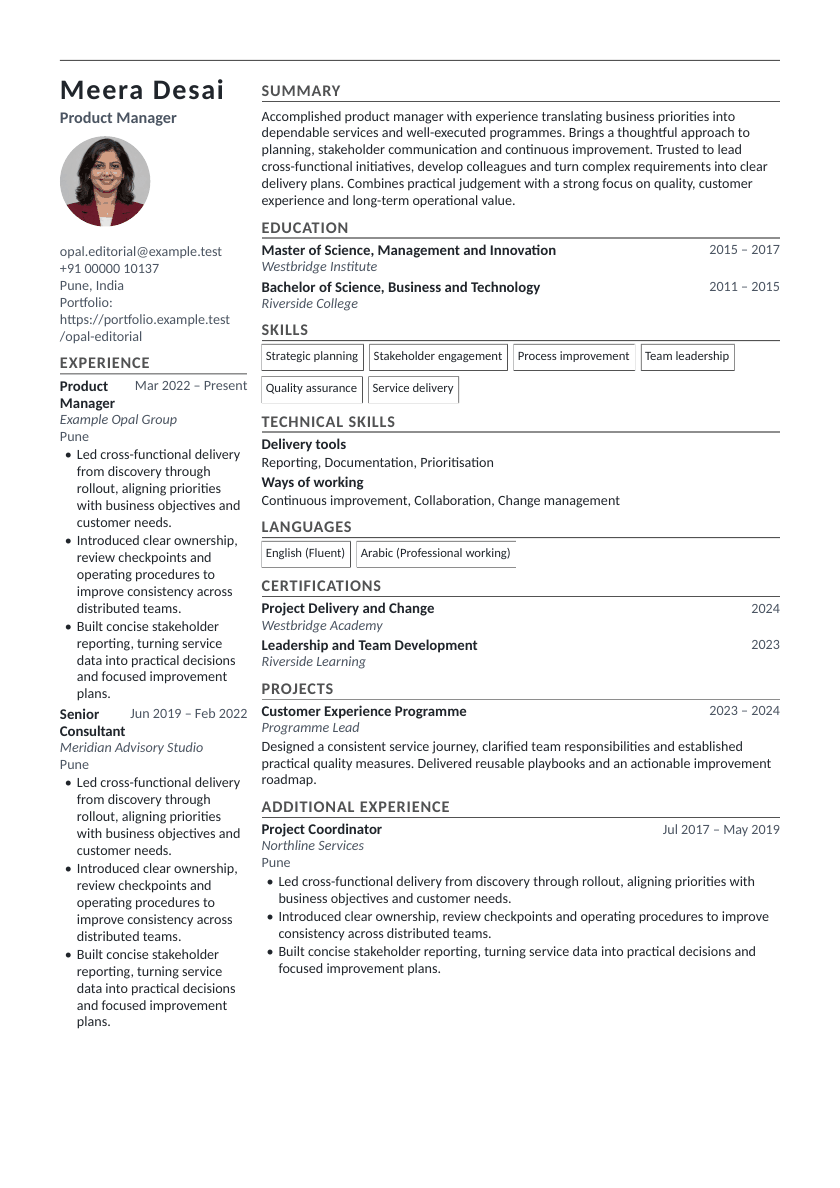
- Opal EditorialDesigned layout
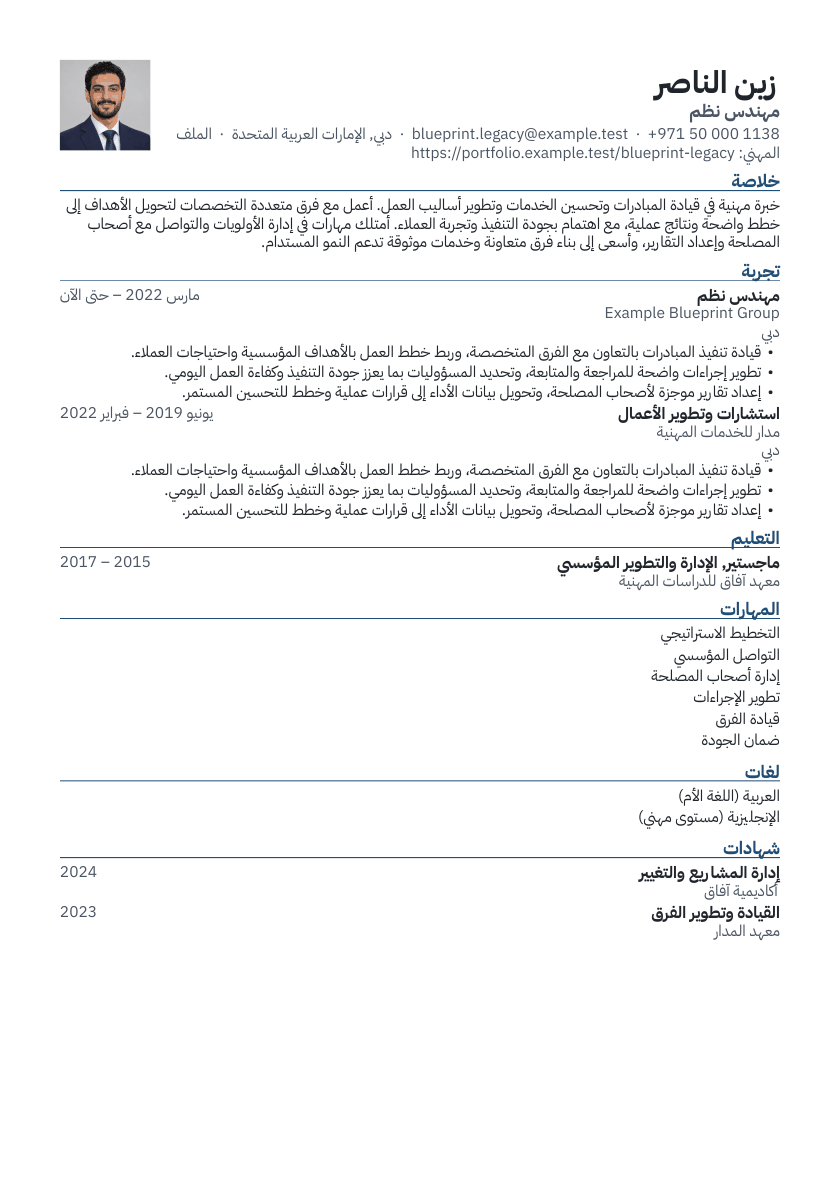
- Blueprint LegacyDesigned layout
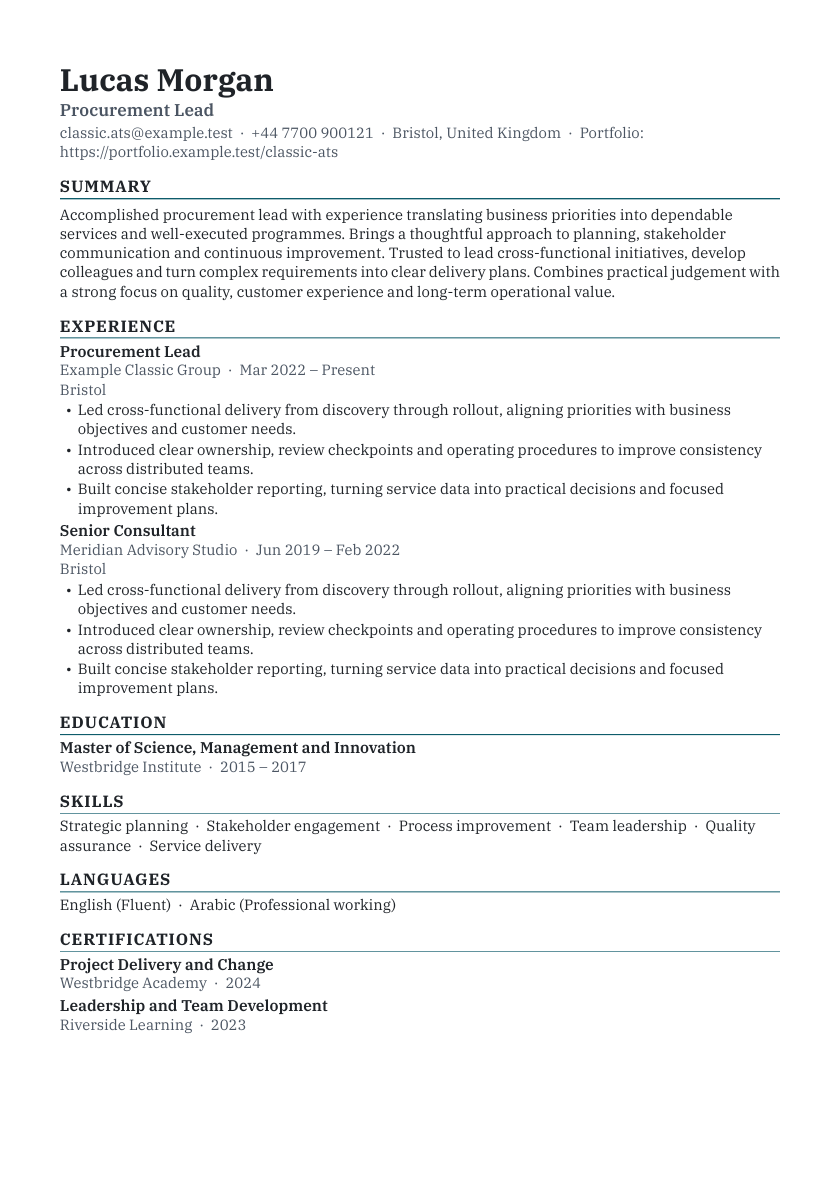
- ClassicATS-safe layout
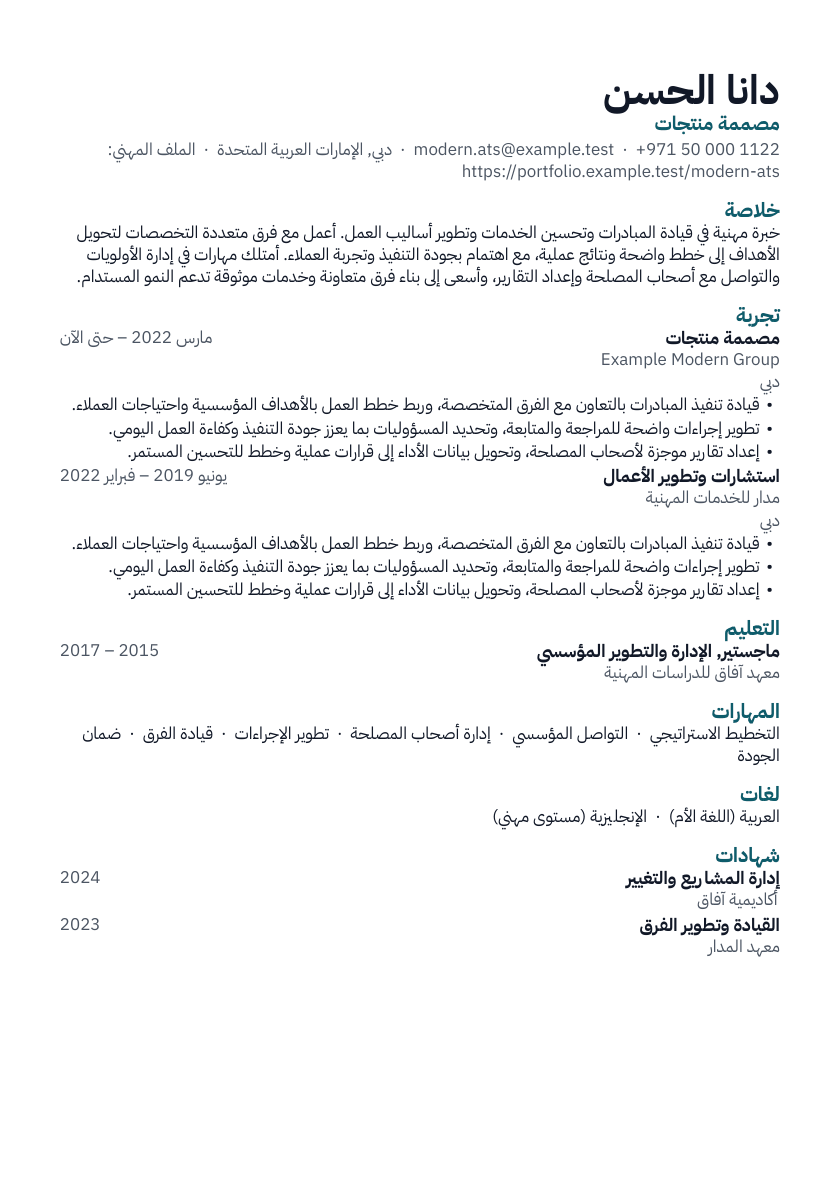
- ModernATS-safe layout
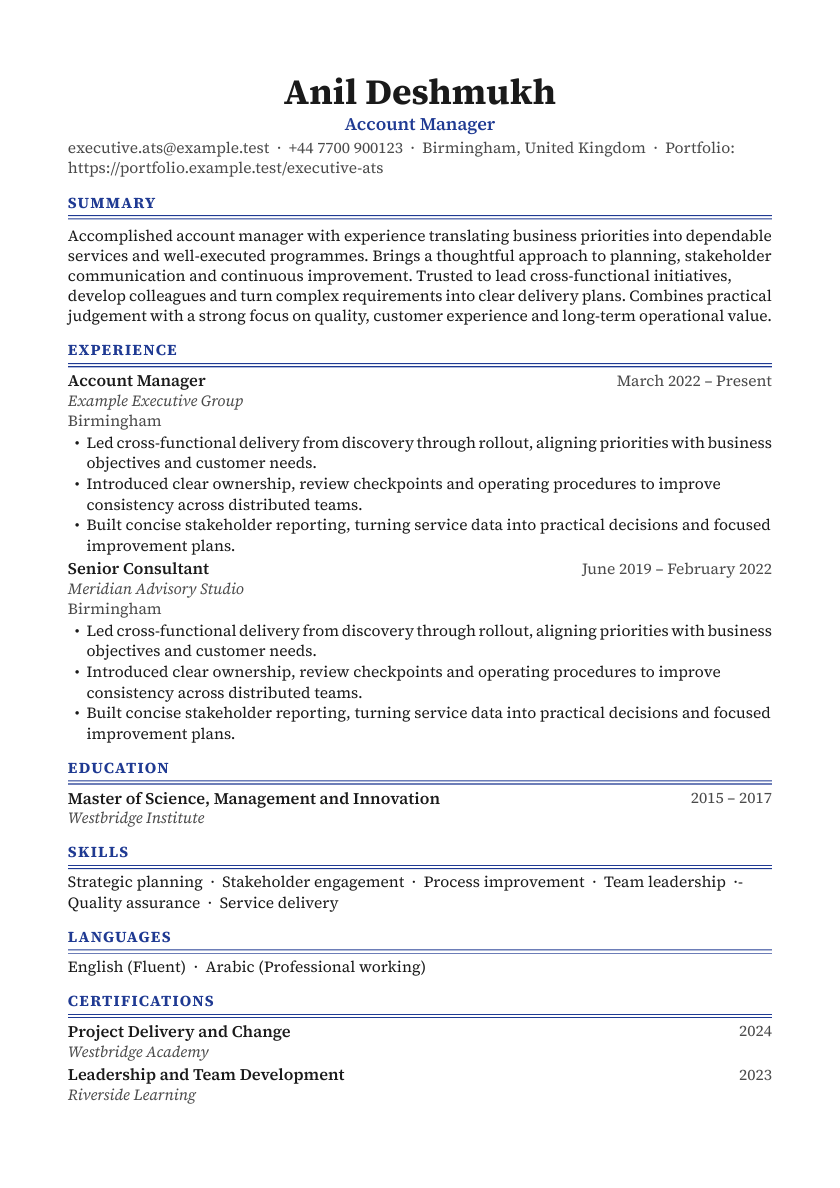
- ExecutiveATS-safe layout
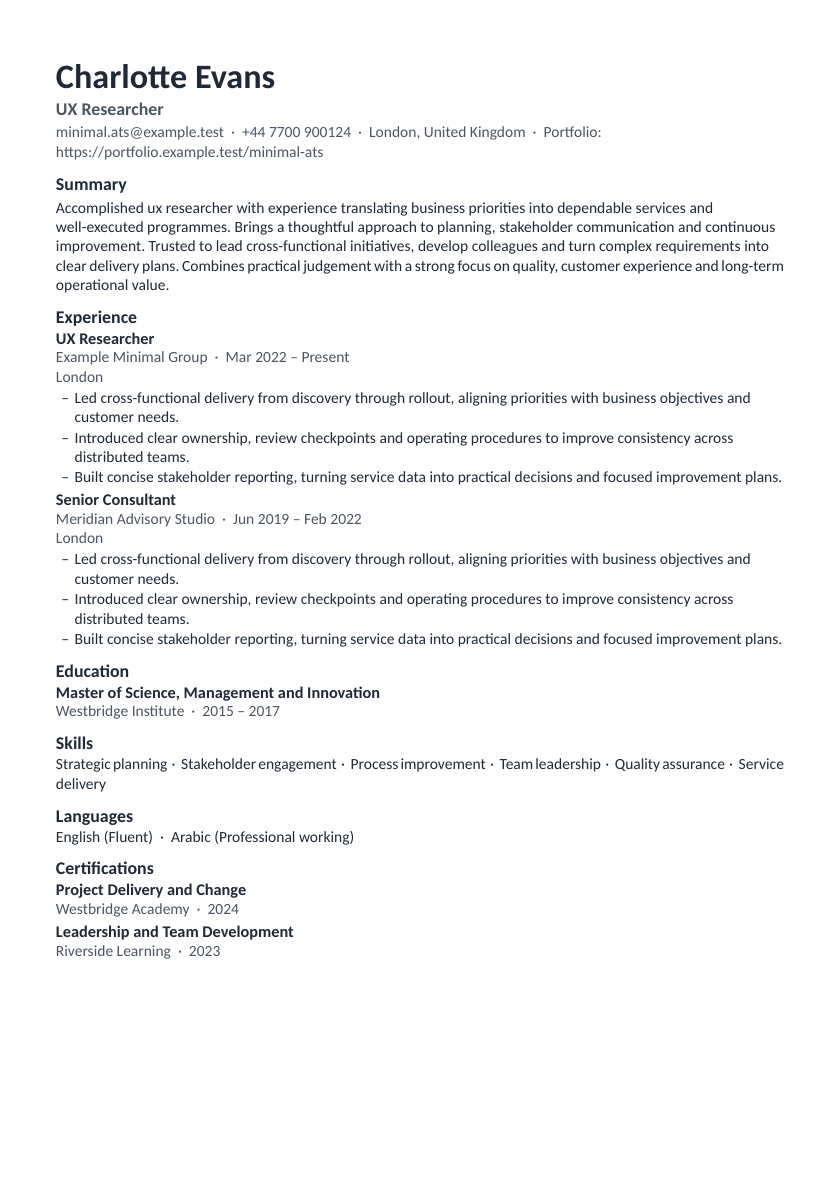
- MinimalATS-safe layout
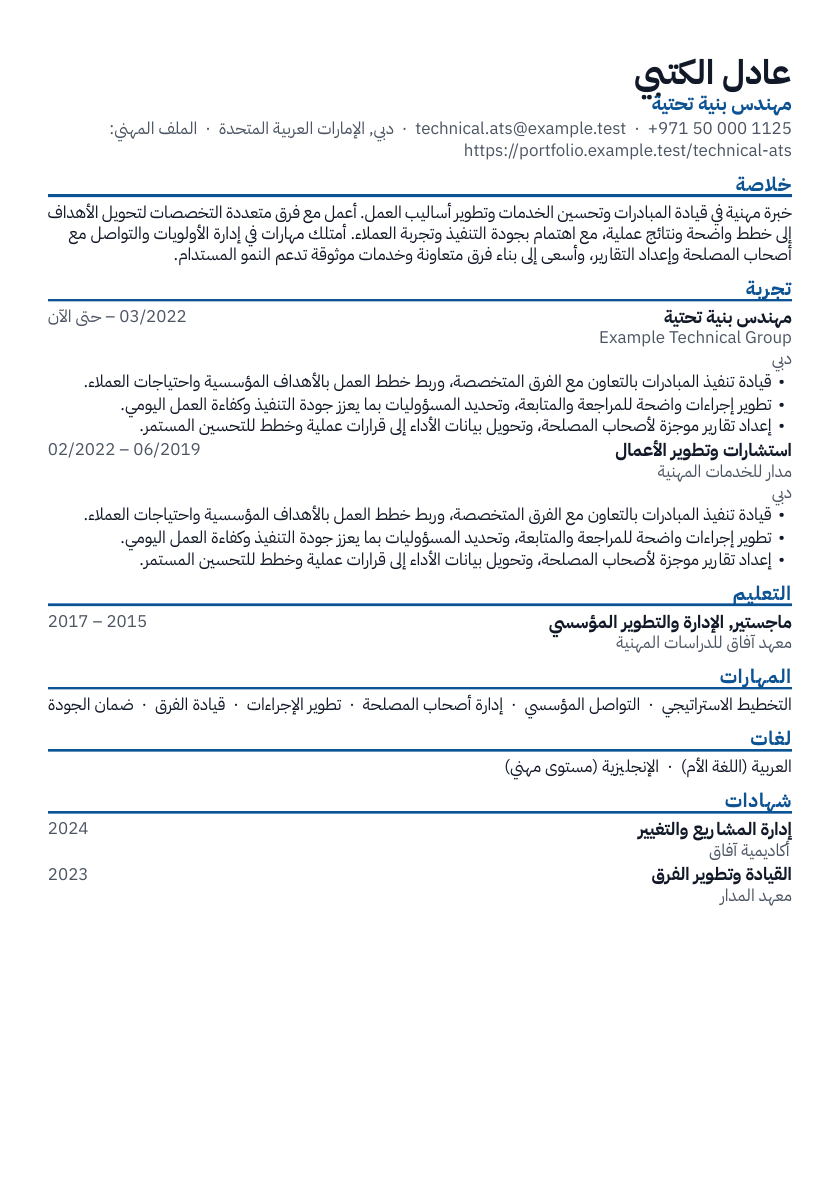
- TechnicalATS-safe layout
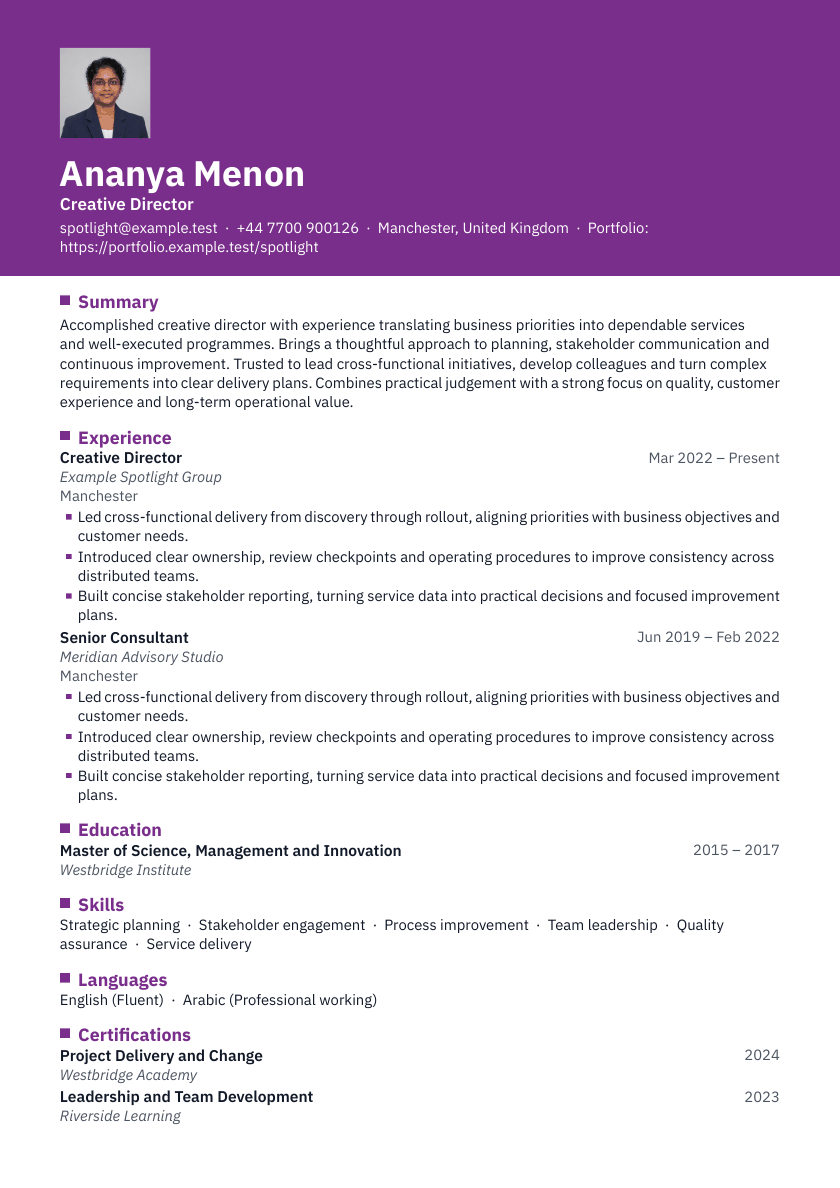
- SpotlightDesigned layout
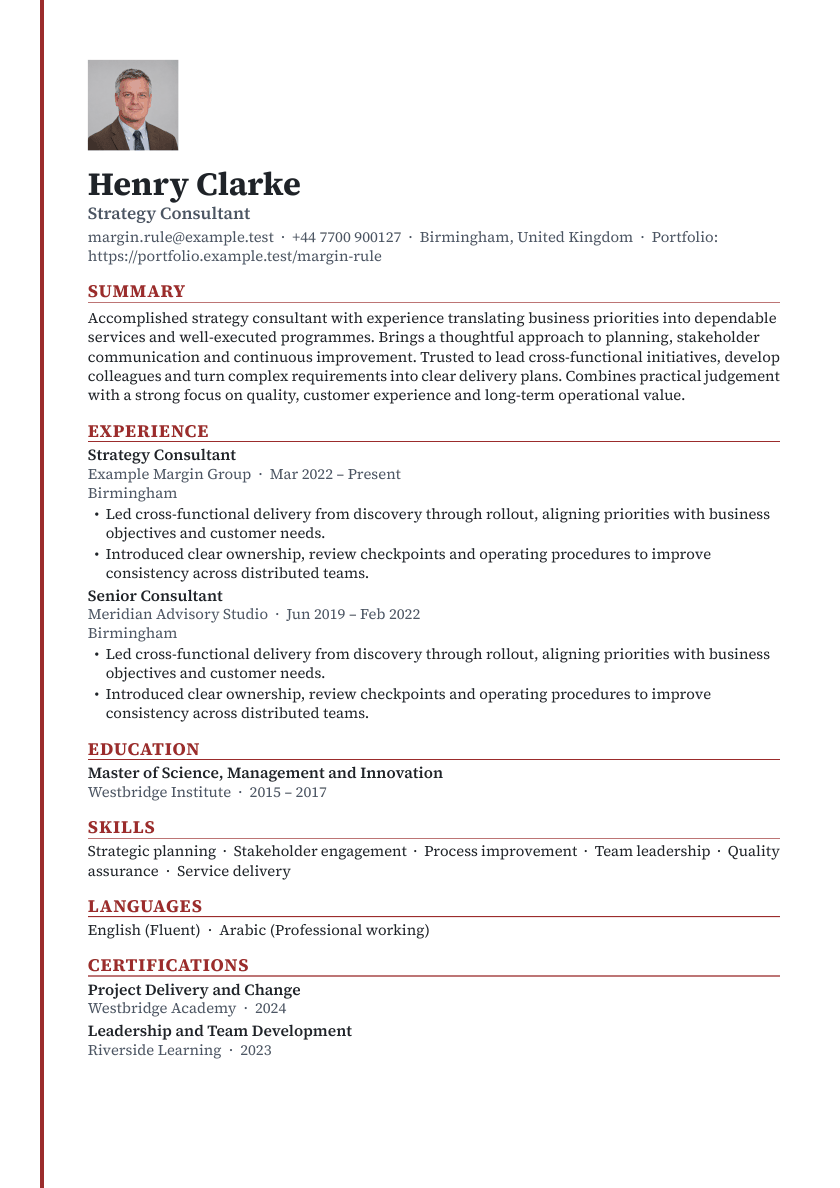
- Margin ruleDesigned layout
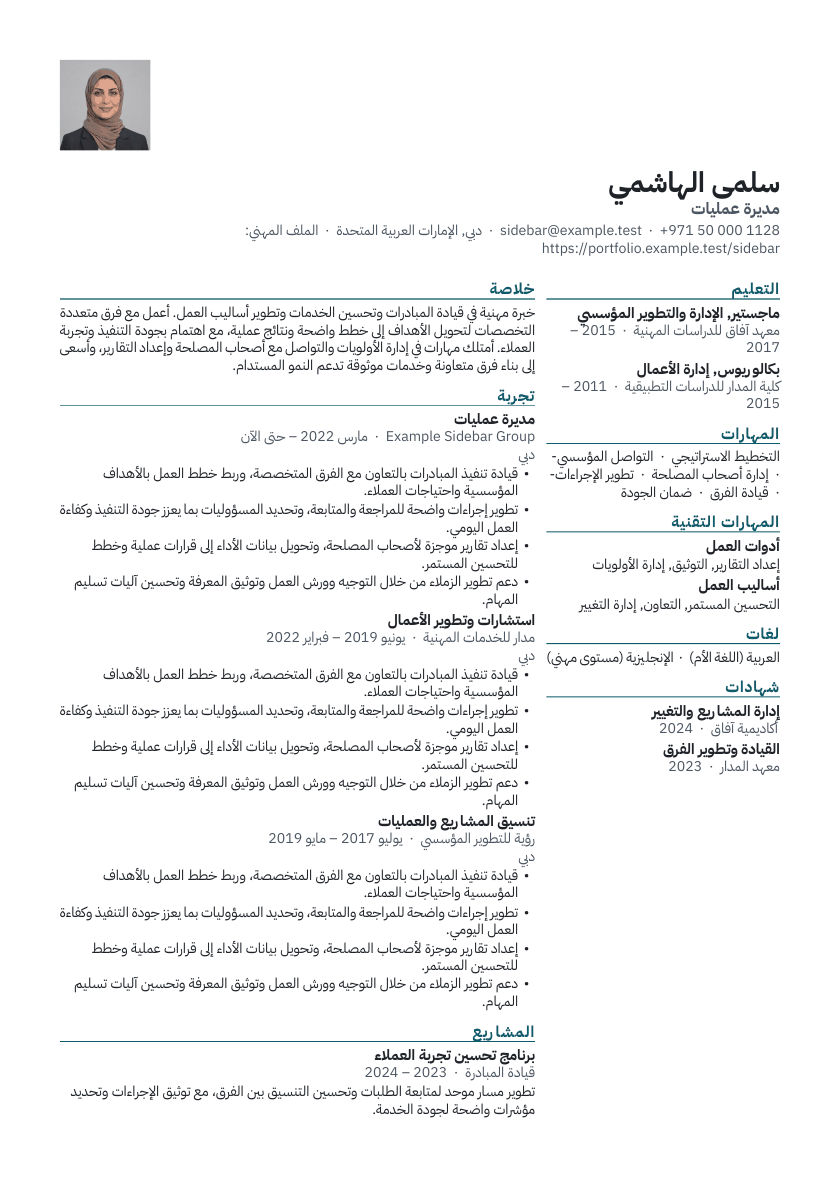
- SidebarDesigned layout
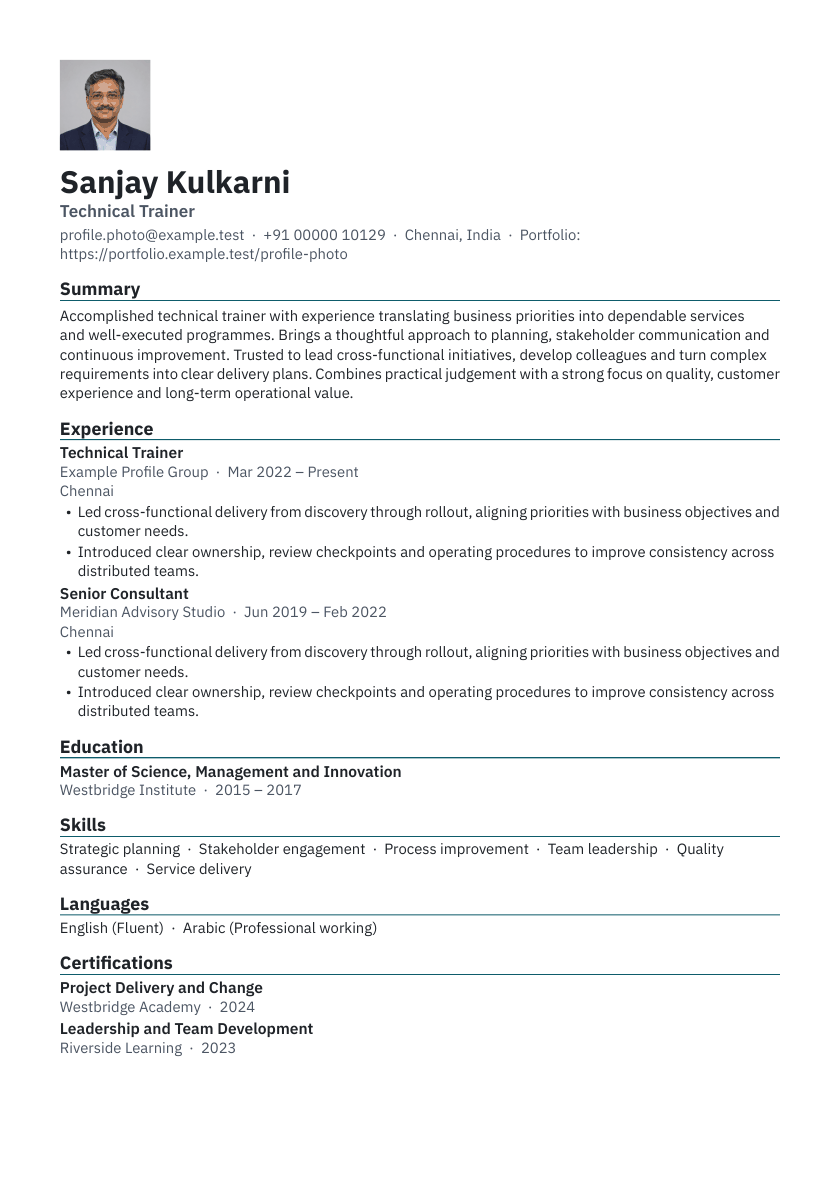
- Photo profileDesigned layout
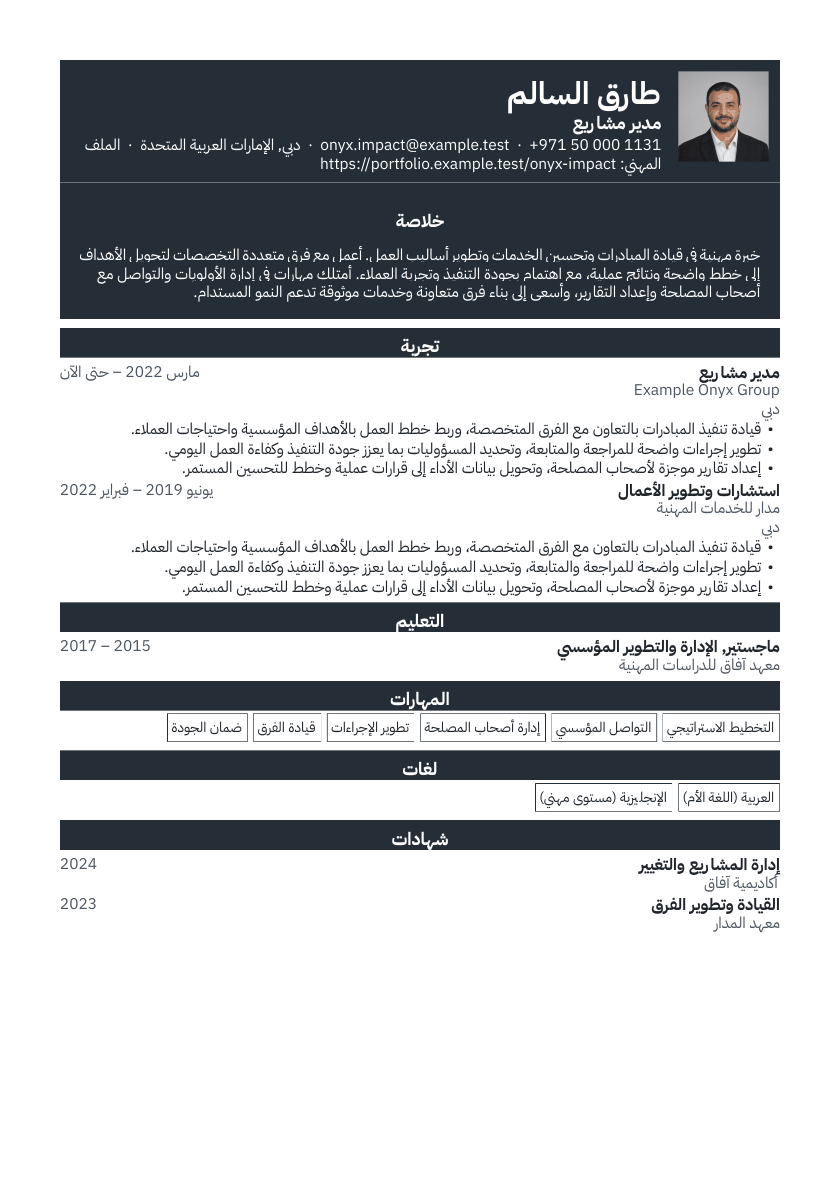
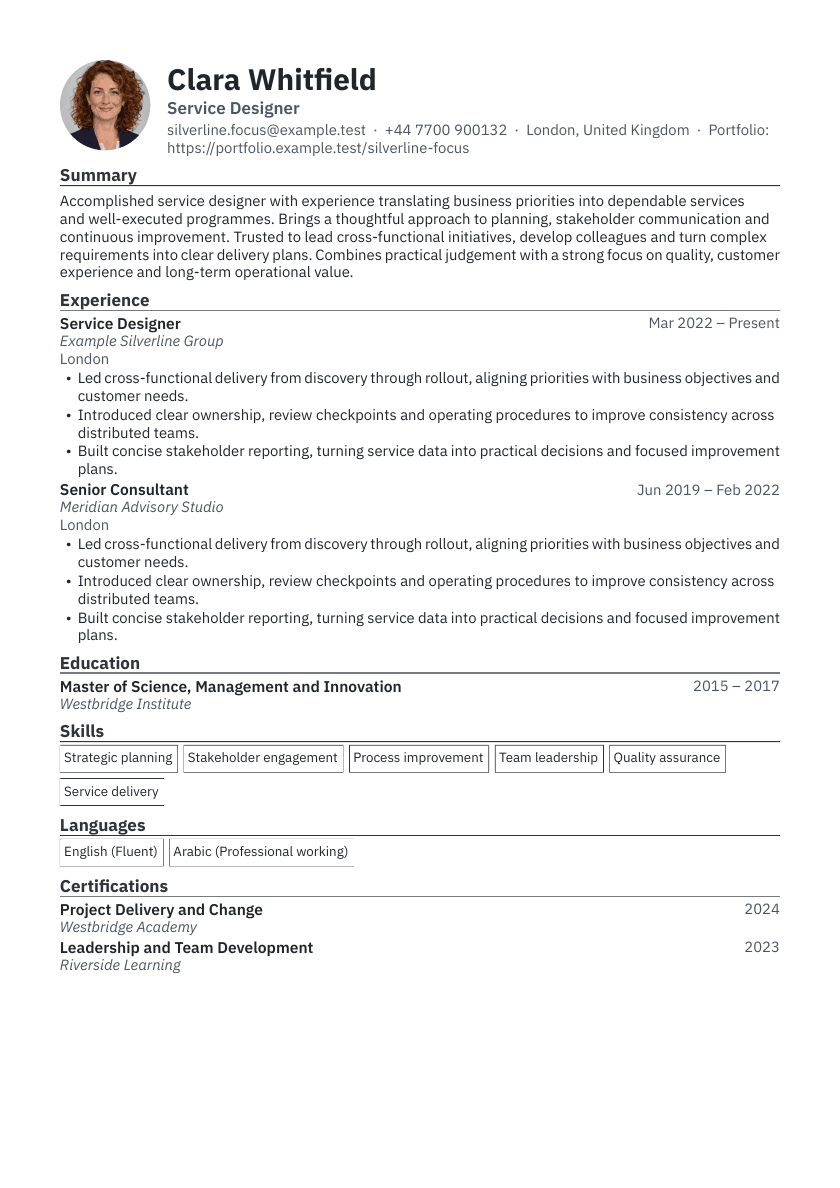
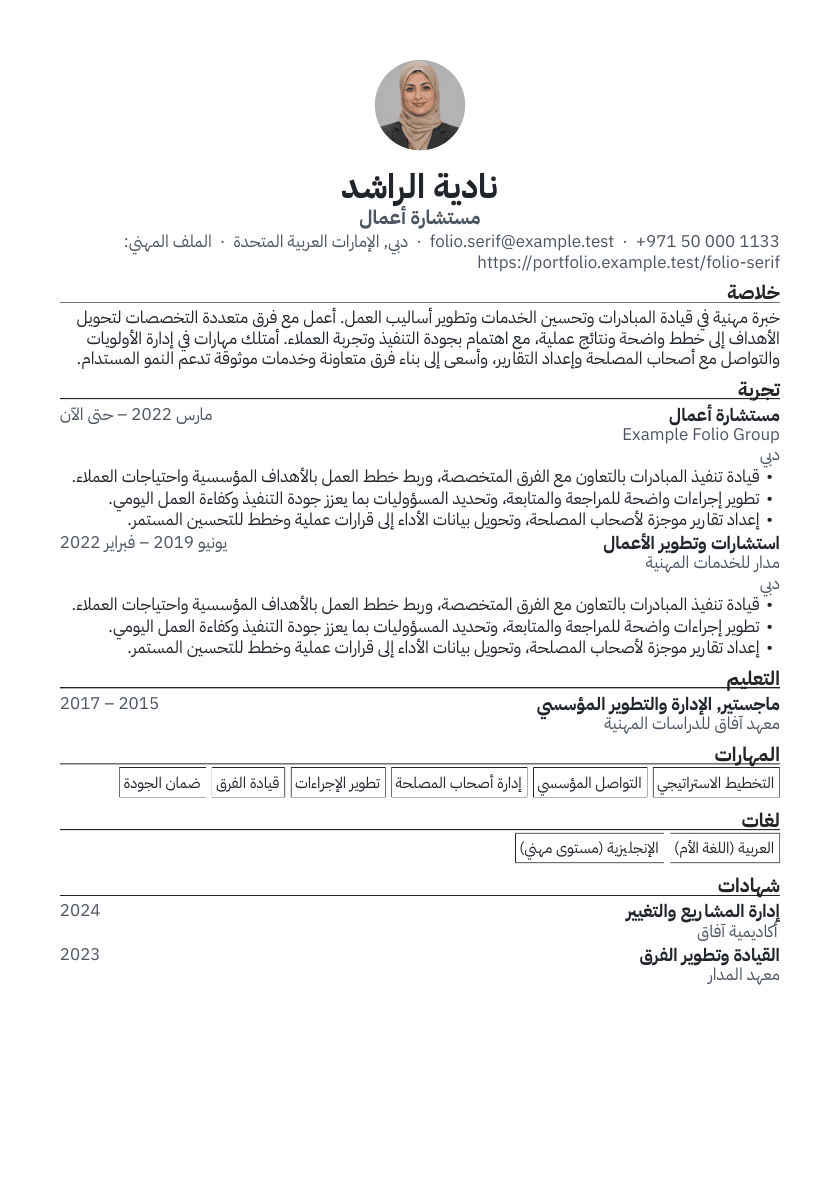
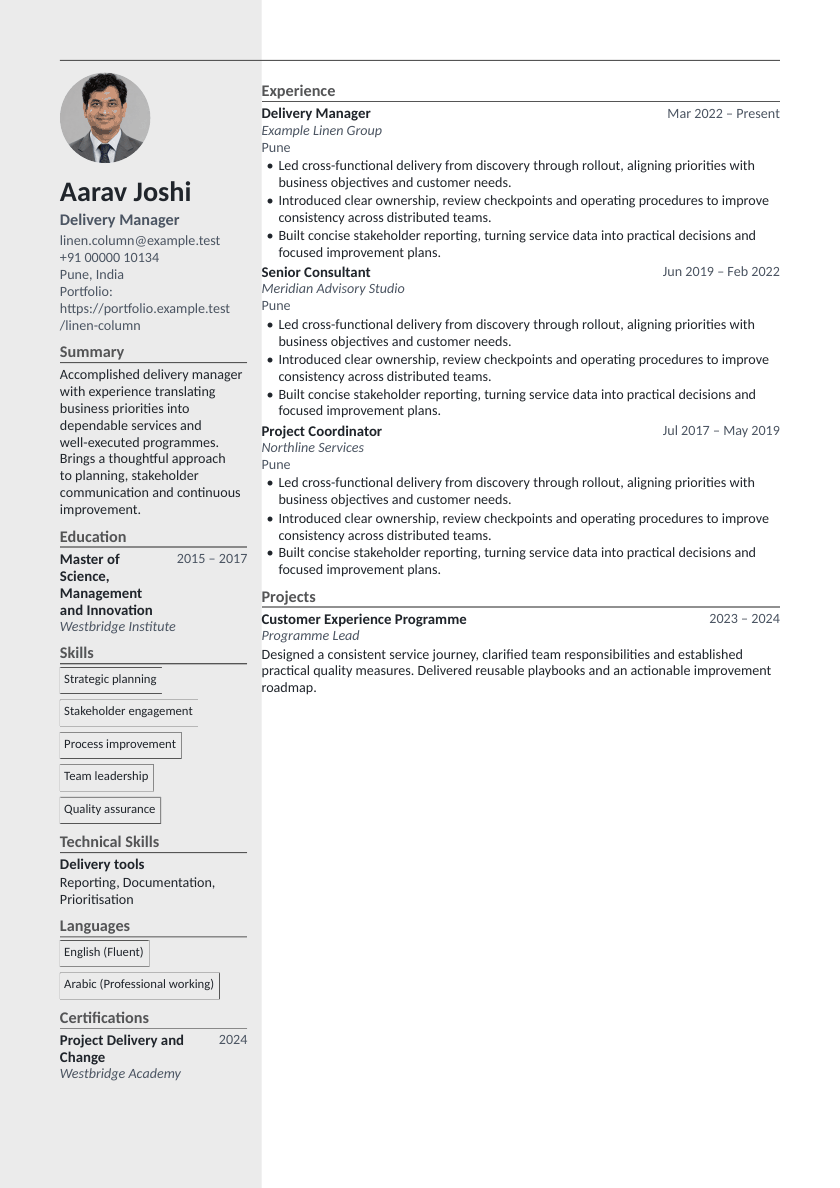
See your resume page by page as you build
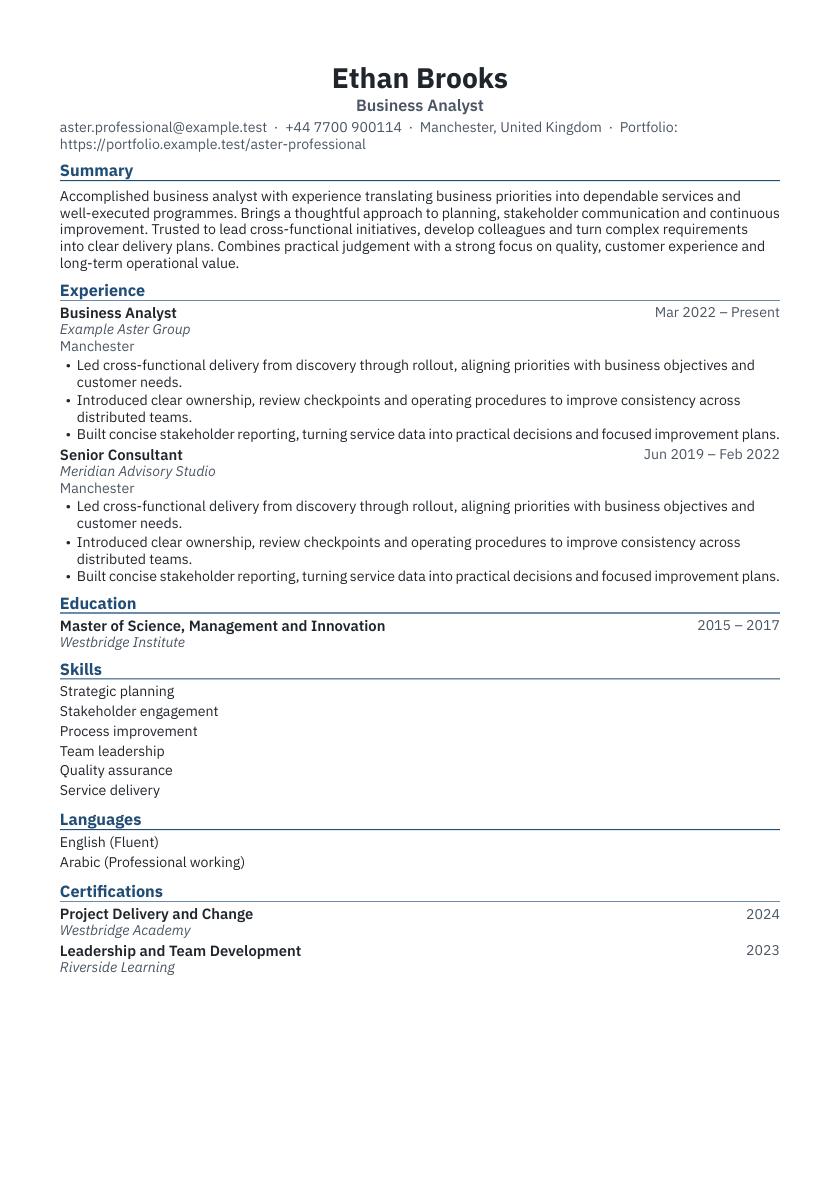
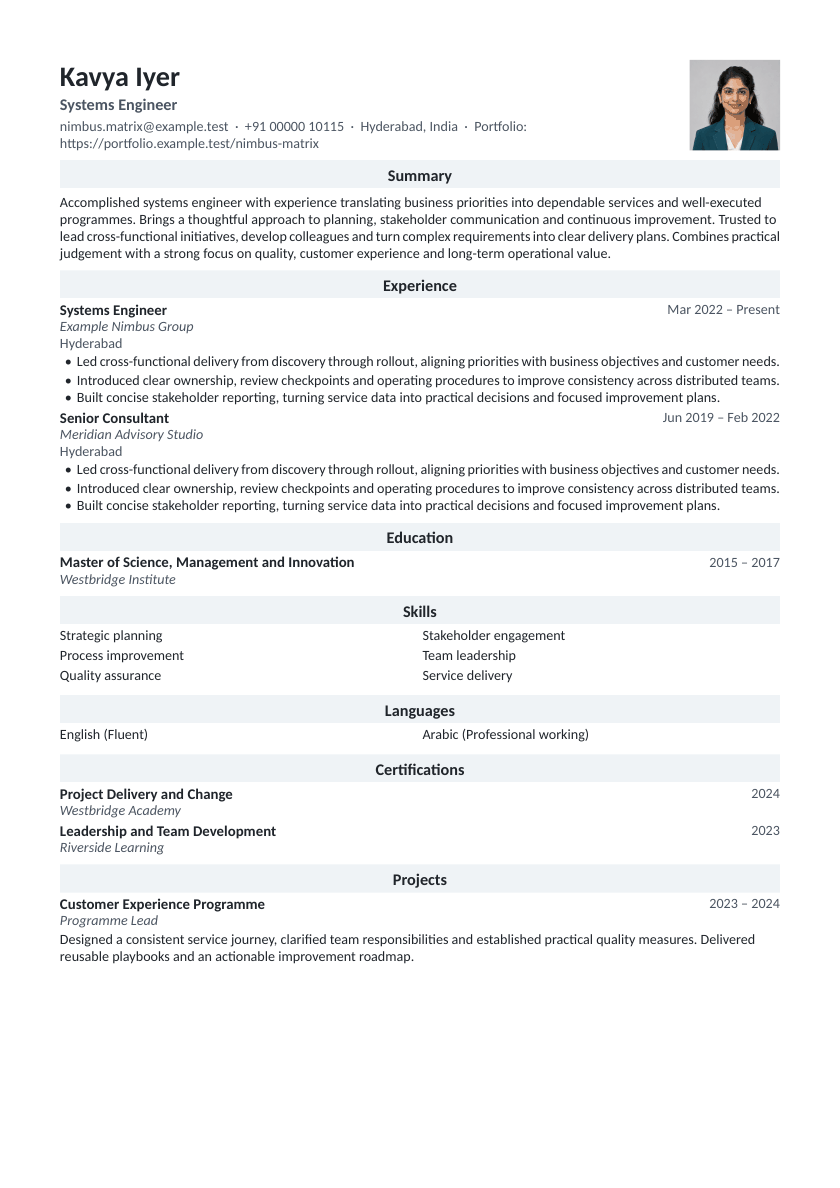
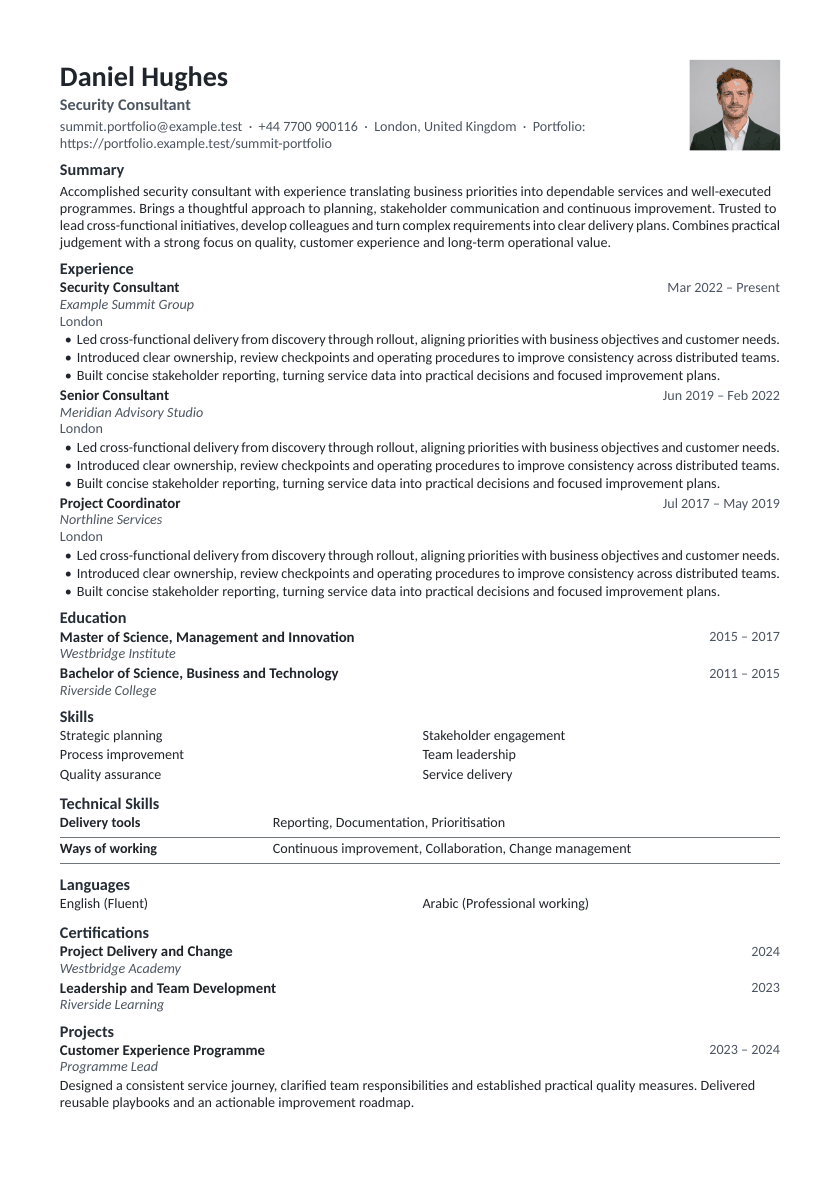
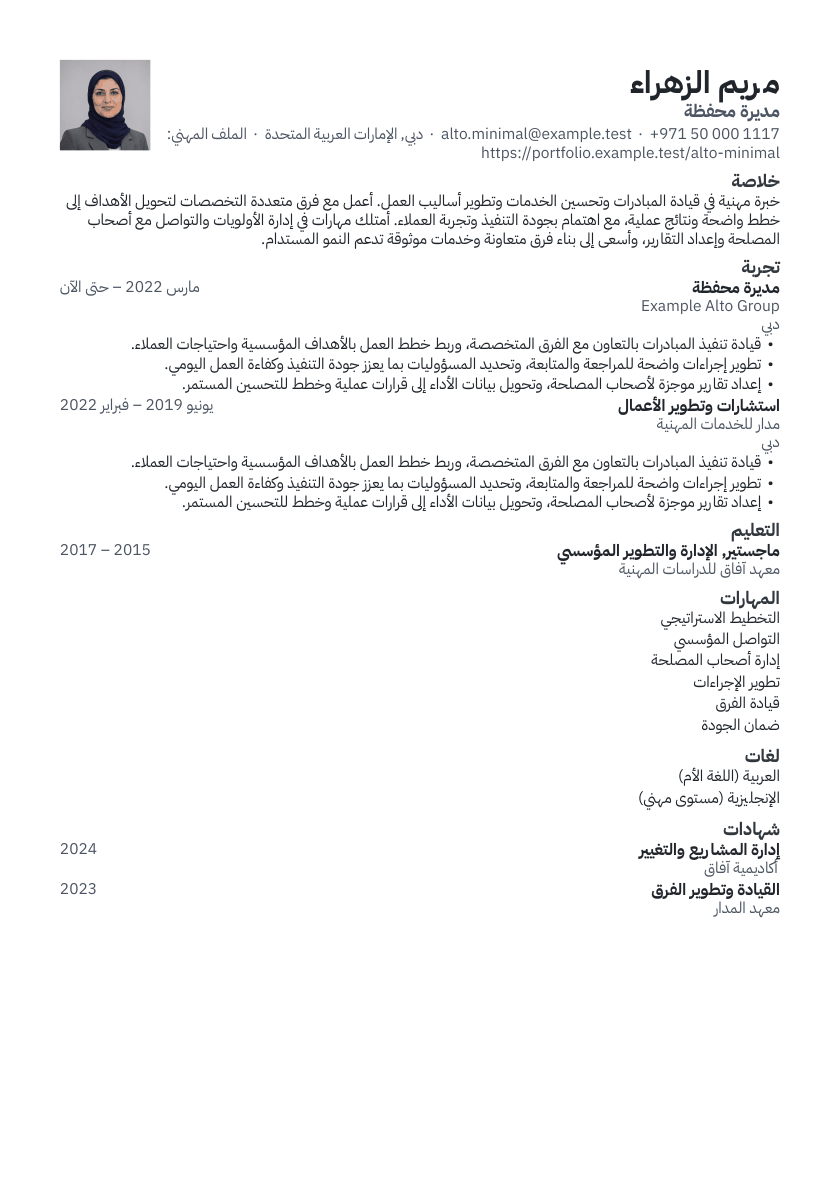
The preview is drawn from the real document, so page breaks, page count and spacing are exactly what you will get. Zoom in, fit to width or fit the whole page.
Write more clearly with private AI
Use private AI assistance for controlled rewrites, job-keyword guidance and multilingual help. Review every suggestion before accepting it.
The right resume and CV maker for the job
One-page resume or multi-page CV, A4 or US Letter, with sections for experience, education, certifications, licences, projects, publications, volunteering and more.
The professional resume builder, resume maker and CV builder
Everything in one place, from the first draft to the version you send.
Resume and CV maker
Build a one-page resume or a multi-page CV from the same content. Sections can be reordered, renamed or hidden.
Templates for every role
Classic, Modern, Executive, Minimal and Technical are ATS-safe; Spotlight and Margin rule are designed layouts with their trade-offs explained.
Page-accurate preview
What you see is what downloads: the same layout engine draws the preview and export-ready document.
Manage multiple resumes
Keep a resume per job, duplicate one to tailor it, and use version history to compare or restore changes.
Data and privacy control
Your resumes are private to your account. Delete your account and data whenever you choose.
Why ProResume360 for serious professionals
- ATS-safe by design
- Every ATS-safe template is checked automatically against layout rules: one column, standard headings, real text, readable sizes and contrast.
- No invented facts
- Private AI rephrases only what you provide. Every suggested change stays under your control.
- Honest guidance
- No made-up “ATS scores” or hiring guarantees, just clear, explained feedback.
- Accessible
- Designed for keyboard navigation, readable contrast and larger text. Automated checks support review; screen-reader acceptance testing remains pending.
- Print-quality typography
- PDF exports embed supported fonts for consistent viewing. Editable Word documents may reflow with different fonts or software.
- Private and secure
- Strict data isolation between accounts, encrypted connections and no third-party trackers.
Frequently asked questions
Is ProResume360 free?
Free access is free forever, with up to 2 saved documents per Resume document type. Published Paid and VIP prices appear on Pricing. Checkout is disabled, and administrators currently assign paid access manually.
What does ATS-safe mean here?
Applicant tracking systems read simple, single-column documents with standard section headings most reliably. Our ATS-safe templates follow those rules and are checked automatically. No tool can guarantee how a particular employer’s system ranks a resume, so we don’t claim to.
Can I download my resume?
Yes. Export as PDF, Word (DOCX), TXT or JSON Resume. Export validation checks the generated file before you use it.
Does it work on my phone?
Yes. The editor and preview work on phones, tablets and desktops; on small screens you switch between Edit and Preview.
Will AI write my resume?
Private AI can suggest clearer wording for what you have written. It runs through ProResume360’s internal model, can make mistakes, and leaves every change for you to approve.
Who can see my resume?
Only you. Resumes are private to your account; sharing links are opt-in, revocable and hidden from search engines.
Build the resume that represents you, for free
Start as a guest or create an account to keep versions, use private AI tools and export your finished resume.
Create my resume